


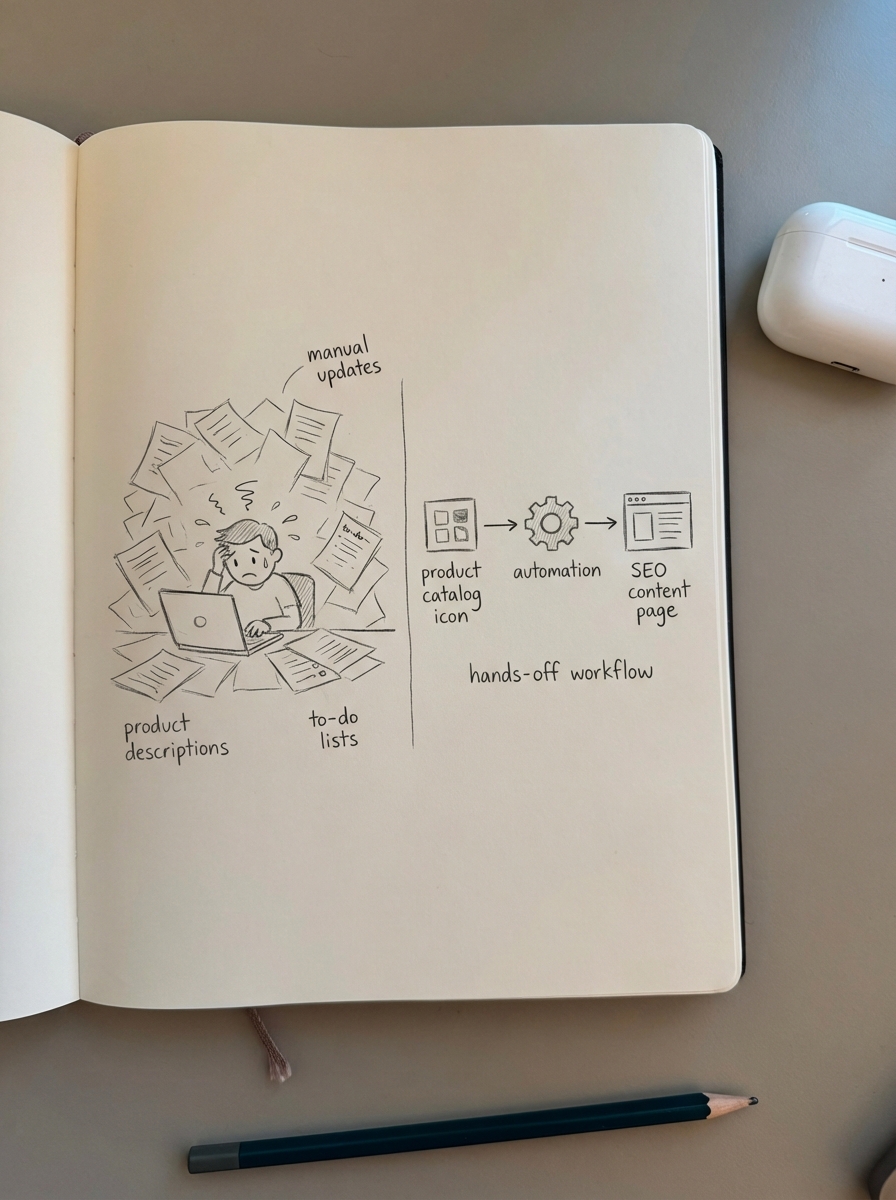
SEO content automation is the only way to scale a WooCommerce store’s organic reach without drowning in manual updates and technical debt. For growing stores, this means moving away from manually writing every product description or blog post and toward a system that synchronizes your content directly with your product catalog. In an environment where Google’s AI Overviews and LLM-based search are changing how users find products, automation isn’t just about speed; it’s about maintaining a “data-clean” environment that search engines can actually trust.
What actually counts as SEO automation?
I often see marketing leads confuse “AI writing” with “SEO automation.” Giving a prompt to ChatGPT to write a product description is manual work assisted by AI – it is still a task on your to-do list. True automation is a hands-off workflow where the system identifies a keyword gap, checks your current inventory for relevant SKUs, and publishes a buyer’s guide that updates itself when those SKUs go out of stock or prices change.
In a modern WooCommerce environment, I believe you can realistically automate several core pillars of your strategy:
- Keyword clustering: Instead of manually grouping terms in a spreadsheet, tools can automatically group keywords by analyzing SERP similarity. This ensures you target the right intent and avoid the common mistake of content cannibalization.
- Internal linking: Rather than digging through old posts to add links, systems can scan your catalog and automate internal linking to ensure your highest-margin products receive the most authority.
- Technical hygiene: Automating the detection of duplicate content caused by faceted navigation is essential. Filters like “size” or “color” often create thousands of thin, indexed URLs that bloat your site and waste crawl budget.
- Catalog-synced content: This is the most impactful form of automation. It involves publishing informational content, such as listicles and how-tos, that stays accurate to your live price, stock, and SKU data without any manual edits.
Automation vs. traditional SEO tools
Traditional tools like Yoast, RankMath, or SurferSEO serve a specific purpose, but they are optimization assistants, not automation platforms.
Technical plugins
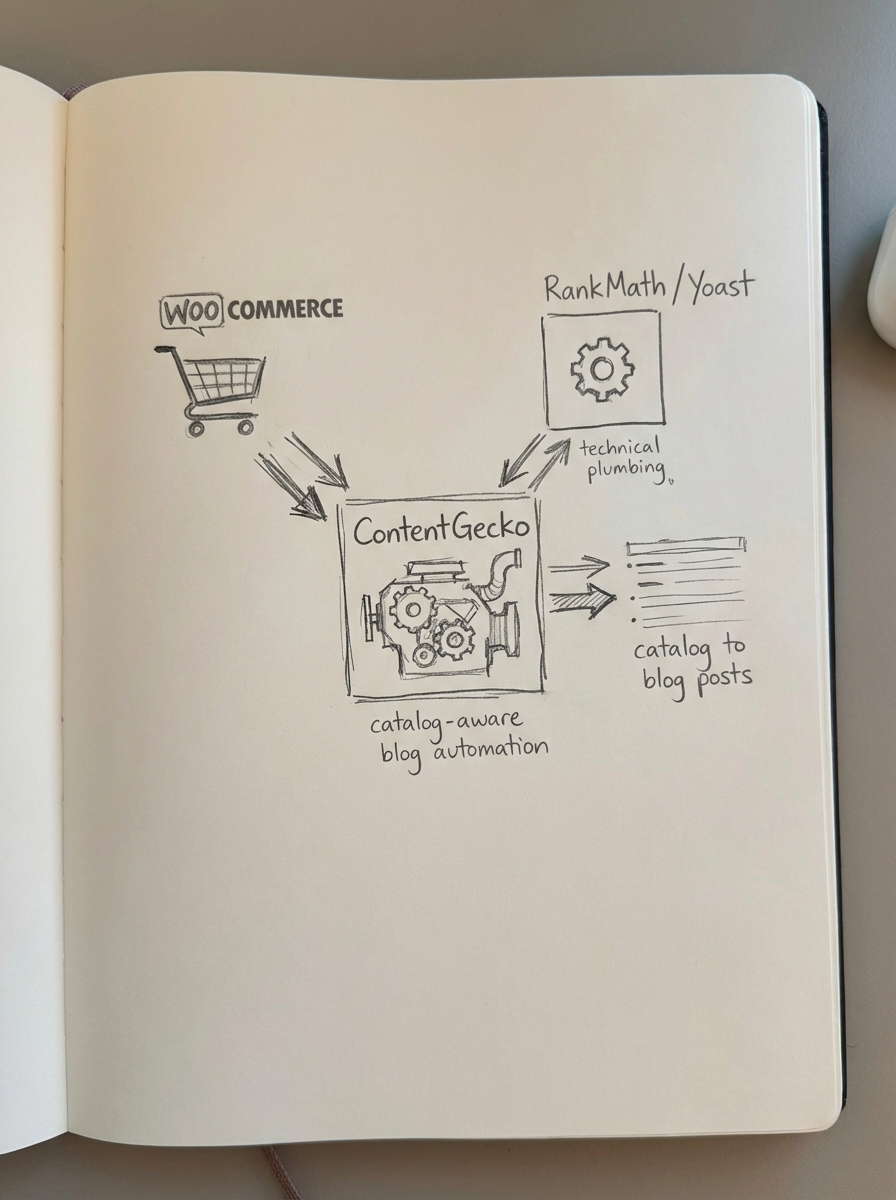
Plugins like Yoast and RankMath handle the “plumbing” – your XML sitemaps, robots.txt, and basic schema. I’ve found that for stores with over 5,000 products, Yoast often starts to lag and cause admin slowdowns, while RankMath or SEOPress tend to handle large-scale WooCommerce SEO more efficiently. However, even the best plugins still require you to manually input data for every page. They tell you what is wrong, but they don’t fix it for you.
Content optimization tools
Tools like Clearscope or SurferSEO operate primarily on gamification. They tell you which semantic terms to include to “match” the competition. I’ve found that these tools often lead to homogenized content that offers nothing new to the web. If you aren’t adding a unique perspective or better data, you’re just participating in a race to the middle. Furthermore, these tools do nothing to help you plan your content production or manage the lifecycle of a post once it is published.
SEO content automation with ContentGecko
Automation platforms focus on the production and maintenance of content. While a plugin tells you your meta description is too short, ContentGecko acts as the execution layer. We use your actual product data to generate strategies and articles that are synced with your WordPress connector, ensuring that the content driving your traffic is always accurate to what you have in stock.
Where ContentGecko fits in your stack
ContentGecko is not a replacement for a technical SEO plugin. You still need something like RankMath to handle your basic site settings and global schema. We serve as the engine that drives top- and mid-funnel traffic through a catalog-aware blog. Most ecommerce sites hit a plateau because they only optimize product and category pages. Once those are “done,” there’s nowhere else to grow. We help you capture the informational search intent that product pages simply can’t reach.
There are specific areas where we do not fit:
- Technical Audits: If you have broken 404s or redirect loops, you need a dedicated technical audit tool like Screaming Frog.
- Manual Page Building: We are not a drag-and-drop page builder like Elementor. We focus on data-driven content, not aesthetic layout design.
Why you should automate category optimization first
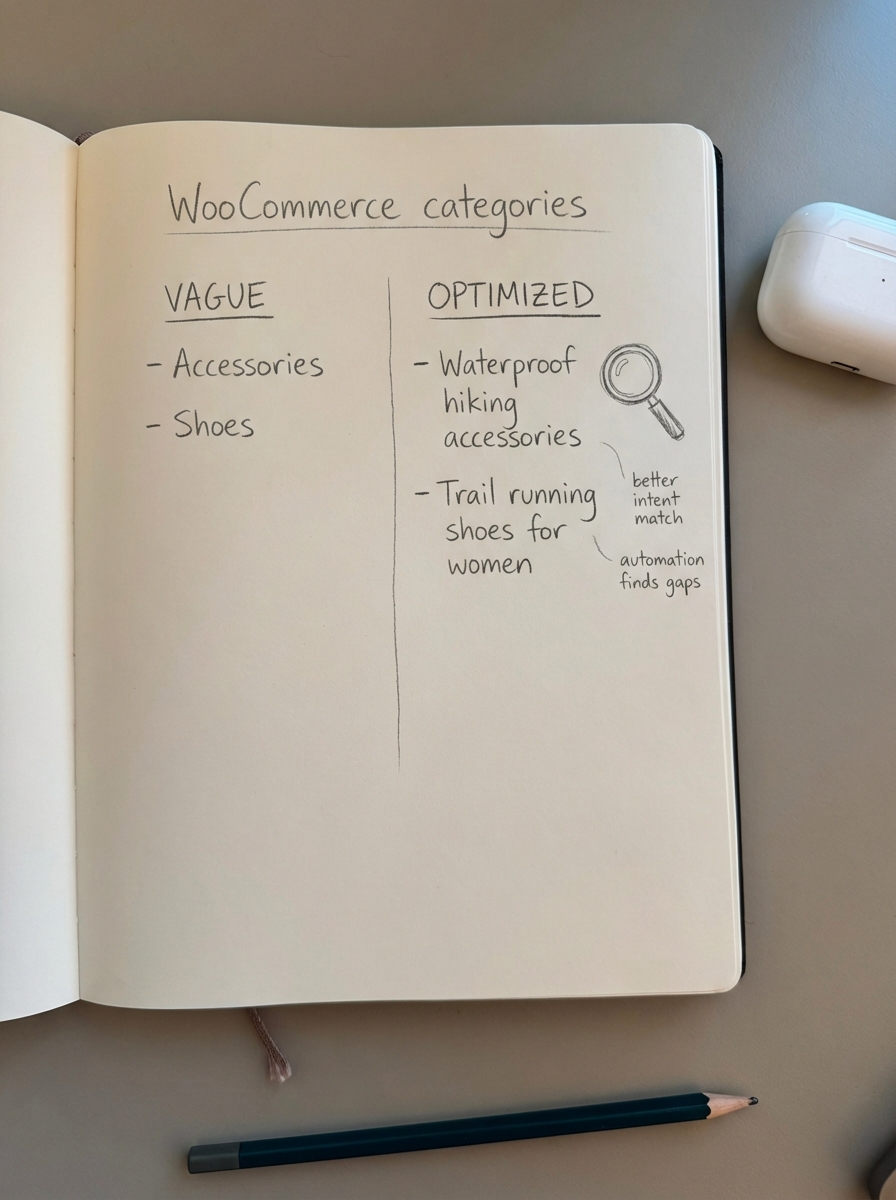
If you are just starting with automation, I recommend focusing on your categories before your product pages. In my experience, category page optimization is the single biggest “low-hanging fruit” for WooCommerce stores.
Most stores use vague category names like “Accessories” or “Shoes” when they should be using specific, intent-driven names like “Waterproof Hiking Accessories.” Automation can help you identify these gaps across thousands of categories in minutes – a task that would take an SEO lead weeks to do manually. Improving your category hierarchy is often a quick win for both visibility and conversion.
The shift to LLM-ready content
We are moving into a world where search results are increasingly influenced by AI and Large Language Models. To rank in this environment, your content must be structured for machine readability. This means your technical SEO checklist must prioritize robust JSON-LD schema and entity-rich content over simple keyword density.
I also suggest that if you are still spending hours writing meta descriptions in 2026, you are wasting valuable resources. Google rewrites them over 70% of the time to better match user queries. Automation should handle the “good enough” baseline for metadata so you can focus on strategic decisions, like which product lines to push next or how to improve your site’s conversion rate.
TL;DR
SEO content automation for WooCommerce is about building a system that scales beyond manual effort. Use traditional plugins for site plumbing, but adopt automation for scaling content production and internal linking. ContentGecko fits into this stack by automating the planning and execution of a blog that stays in sync with your live product catalog, allowing you to capture high-volume informational traffic that product pages cannot reach.