


WooCommerce SEO is your most reliable growth lever. Get it right, and you’re looking at predictable, compounding returns from organic search. Get it wrong, and you’ll burn ad budget trying to compensate for lost traffic.
Over 53% of all website traffic comes from organic search, and WooCommerce stores face a unique set of technical and content challenges that most generic SEO advice misses. I’ve watched merchants triple their organic revenue by fixing faceted navigation alone, and I’ve seen others waste months on product descriptions while ignoring site architecture entirely.
This guide covers what actually moves the needle: product and category page optimization, technical foundations like URL structure and structured data, the plugin landscape, and how to build an automated content engine that scales with your catalog.
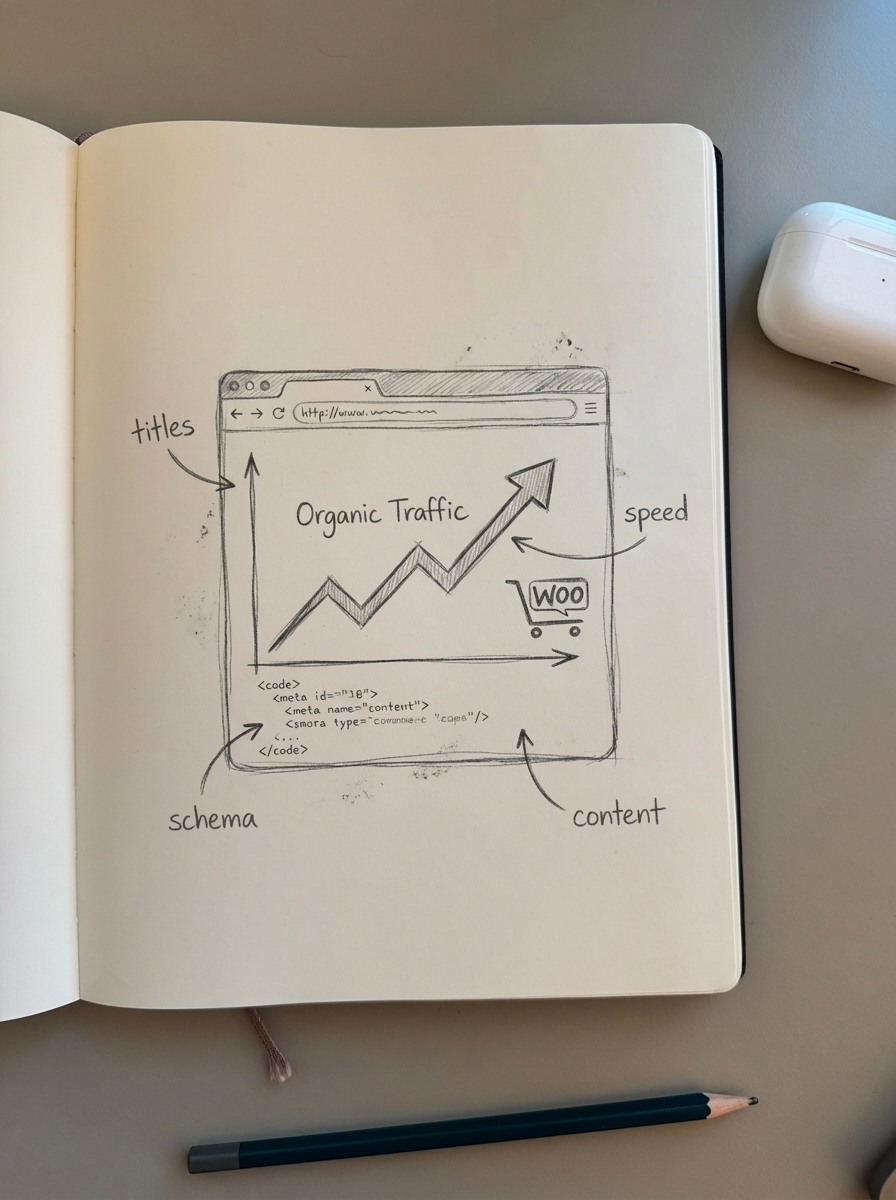
Product page SEO: Where conversion happens
Product pages are your money pages. They need to rank and convert.
Title tags deserve surgical precision. Your title should include your primary keyword, brand, and a distinguishing feature – all in under 60 characters. Meta descriptions need a clear value prop and CTA in 150–160 characters. Don’t just stuff keywords; write for the click.
Product descriptions are where most stores underperform. Keyword research is foundational – you need to identify actual customer search terms and weave them into your copy naturally. Aim for 300+ words minimum. Thin content won’t rank, and unique descriptions are critical to avoid duplicate content issues.
Images matter more than you think. Use descriptive filenames (not IMG_0392.jpg), compress without quality loss, and add keyword-rich alt text to improve both accessibility and image search rankings. Your /wp-content/uploads/ directory should be allowed in robots.txt to maintain rich snippet opportunities and visual search visibility.
If you’re generating hundreds of product images for new SKUs, tools like the WooCommerce Product Image Generator can produce consistent lifestyle shots at scale. Merchants report CTR increases of 24% from category pages after switching to context-rich product imagery.
For a deep dive on optimizing every element of your product pages, see our complete guide to WooCommerce product page SEO.
Category pages: Your traffic magnets
Category pages target high-volume, high-intent keywords like “men’s hiking boots” or “wireless earbuds under $100.” They’re your path to capturing top-of-funnel traffic.
Category naming is low-hanging fruit. Most stores use vague names that don’t match search intent. “Shoes” won’t rank; “Men’s Trail Running Shoes” will. The Free Ecommerce Category Page Optimizer analyzes your catalog and suggests optimized titles that buyers actually search for.
Content on category pages matters. Add 200–300 words of unique copy above or below the product grid. Explain what makes this category valuable, include FAQs, and naturally incorporate LSI keywords. Breadcrumbs are a confirmed ranking factor for e-commerce sites, so enable them in WooCommerce settings.
Internal linking amplifies authority. Link from high-authority blog posts to relevant categories, use descriptive anchor text, and create content clusters that establish topical relevance. ContentGecko’s automated content planning builds these clusters automatically, tying how-to guides and buyer’s guides back to your product pages.
Site architecture: Build for crawl efficiency
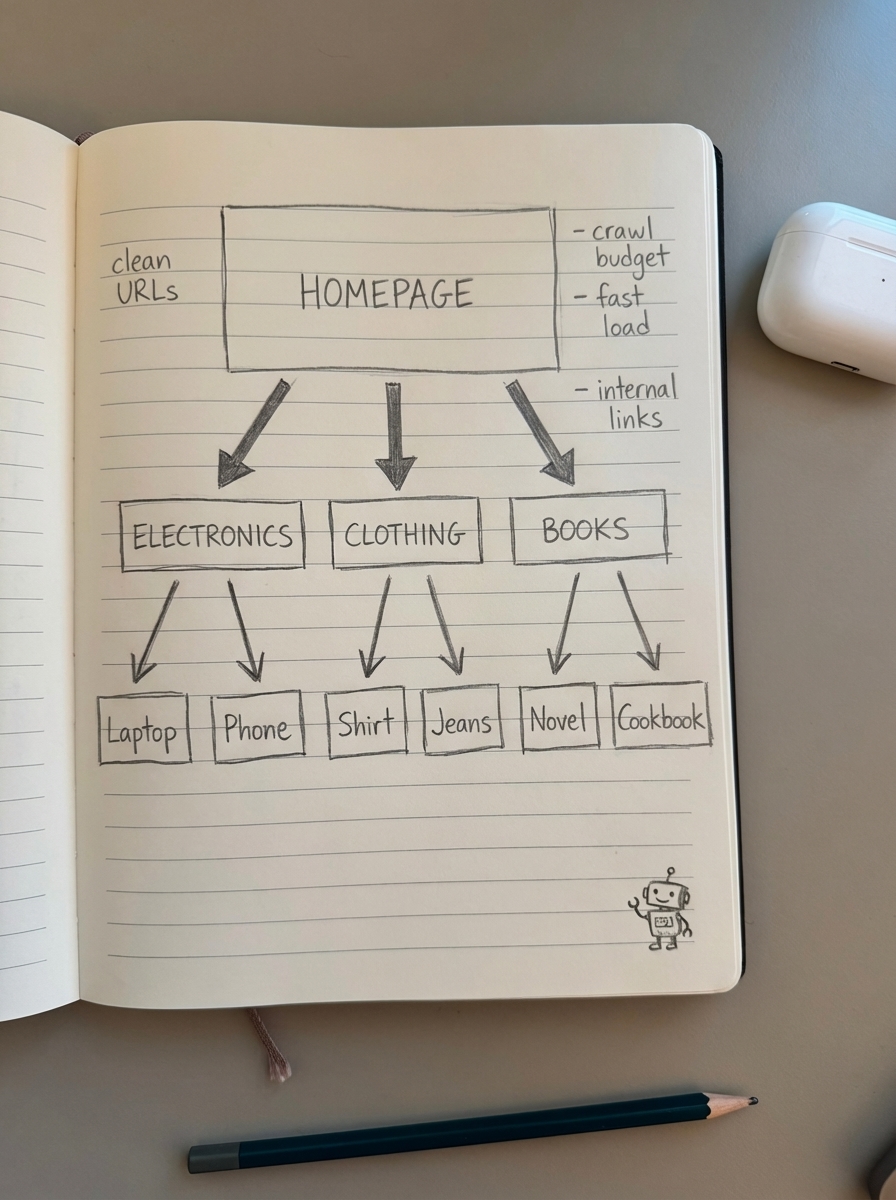
Your URL structure, sitemap, and robots.txt control how search engines discover and index your store. Get the fundamentals wrong, and you’re wasting crawl budget on junk pages.
URL structure
Use WordPress “Post name” permalinks – Google explicitly prefers readable words over ID numbers. For products, include category context: example.com/hiking-gear/trail-running-shoes/salomon-speedcross-5 beats example.com/product/12345.
Keep URLs short (no more than 2–3 subdirectories), use hyphens not underscores, and include target keywords naturally. If you’re changing URL structure on an established store, generate a redirect map, implement 301s, and expect 2–4 weeks for full reindexing.
Our complete guide to WooCommerce URL structure covers implementation details and troubleshooting for slug conflicts and broken permalinks.
XML sitemaps
WordPress generates basic sitemaps since version 5.5, but they’re insufficient for e-commerce. You need dedicated sitemap functionality that handles product variations, image sitemaps, and priority signaling.
Yoast automatically includes product, category, and tag sitemaps. Rank Math offers granular control over individual URLs and supports product variation sitemaps. Both auto-update when you publish new products.
Submit your sitemap to Google Search Console (Property > Sitemaps > enter /wp-sitemap.xml or plugin-specific URL). Include only canonical URLs, exclude noindexed pages, and use a sitemap index if you exceed 1,000 products.
ContentGecko-generated content is automatically included in your WooCommerce XML sitemap, with catalog awareness and schema enhancements that trigger freshness signals.
Robots.txt configuration
Your robots.txt file controls crawl budget. Block /cart/, /checkout/, and /my-account/ – they contain user-specific data with no SEO value.
Block faceted navigation parameters like ?color=red&size=medium to prevent duplicate content issues. Allow /product/ and /category/ paths. Always include your sitemap URL.
SEMrush found that 72% of e-commerce sites have robots.txt configurations that block at least some indexable content, with 38% blocking critical product pages. Test your configuration in Google Search Console’s robots.txt Tester.
Full implementation details, including templates by store size, are in our WooCommerce robots.txt guide.
Faceted navigation: The indexation minefield
Faceted navigation (filters by color, size, brand, price) generates exponentially more URLs than you have products. Five attributes with ten values each creates potentially 100,000 URLs. Google won’t – and shouldn’t – crawl or index them all.
You need a tiered indexing strategy:
Tier 1 (Index): Base categories
Tier 2 (Index): High-value single filters with proven search demand
Tier 3 (Index): Strategic multi-filter combinations (e.g., “women’s running shoes size 6”)
Tier 4 (Noindex): Other filter combinations
Tier 5 (Block): Low-value combinations in robots.txt
Use path-based URLs for valuable filter combinations (/womens-running-shoes-size-6/ vs. /shoes?gender=women&size=6). Apply canonical tags that point most combinations to the parent category while allowing self-referencing canonicals for proven winners.
Enterprise stores waste up to 70% of their crawl budget on low-value faceted URLs. The Free SERP Keyword Clustering Tool helps identify which filter combinations have actual search demand worth indexing.
Our complete guide to WooCommerce faceted navigation SEO walks through plugin setup (WOOF, FacetWP, Product Filters) and custom canonical implementation.
Structured data: Unlock rich results
Structured data tells search engines exactly what your content is. Product schema with price, availability, and reviews triggers rich results in SERPs. I’ve consistently seen 35–45% CTR increases after implementing proper product schema.
Essential schema types for WooCommerce:
Product: Name, SKU, images, price, availability
AggregateRating: Average rating, review count
Offer: Price, currency, availability, shipping
Review: Text, author, rating, date
BreadcrumbList: Category hierarchy
WooCommerce’s built-in markup is minimal and uses older microdata format. Use a dedicated plugin (Yoast WooCommerce SEO, Schema – All In One Schema Rich Snippets, or WPSSO Core) for comprehensive coverage.
Validate with Google Rich Results Test and monitor in Google Search Console. Test a simple product, a variable product, a sale item, and an out-of-stock product.
Common errors: missing offers field (ensure prices are set), invalid aggregate ratings (only include reviews when they exist), duplicate schema (disable redundant plugins).
ContentGecko automatically generates and maintains WooCommerce structured data for catalog-synced content, keeping schema accurate when prices, inventory, or URLs change.
Technical SEO: Speed, mobile, HTTPS
Page speed directly impacts both rankings and conversion. Every second of delay costs you sales. Use performance-focused hosting, enable a CDN, minify CSS/JS, implement browser caching, and lazy-load images. WP Rocket or similar caching plugins are non-negotiable.
Mobile optimization is mandatory with mobile-first indexing. Your WooCommerce theme must be responsive. Test on actual devices, not just browser resize tools.
HTTPS is a confirmed ranking factor. Migrate if you haven’t already. Free SSL certificates via Let’s Encrypt work fine for most stores.
Canonical tags prevent duplicate content from product variations (color/size filters). Point variants to the main product URL unless the variant has unique search demand.
SEO plugin comparison: Yoast vs Rank Math vs ContentGecko
All three serve different needs depending on your catalog size and resources.
Yoast SEO
The market leader. Solid for general WordPress SEO, with a WooCommerce extension that handles product schema and breadcrumbs.
Pros: Stable, widely supported, good documentation
Cons: AI features only in premium tier, performance issues over 5,000 products
Best for: Starter stores (<500 SKUs) with limited technical resources
Rank Math
Feature-rich free tier. More granular control than Yoast, handles 20,000+ products with premium tier.
Pros: Dynamic variables for bulk optimization, schema builder, good performance at scale
Cons: Steeper learning curve, occasionally aggressive upselling
Best for: Medium to large stores (500–10,000 SKUs) with in-house SEO expertise
ContentGecko
Fully automated SEO content platform purpose-built for WooCommerce. Not a traditional SEO plugin – it plans, writes, publishes, and updates a catalog-aware blog.
Pros: Zero manual work, catalog synchronization, automatic updates when SKUs/prices/stock change, optimization for both Google and LLMs, scales to enterprise catalogs (10,000+ products)
Cons: Premium pricing, focused on content generation rather than on-page optimization
Best for: Growing to enterprise stores that need ongoing content without hiring writers
ContentGecko integrates via the WordPress Connector Plugin, syncing your product catalog and publishing how-to guides, listicles, and buyer guides that naturally link to your products. It monitors rankings, CTR, conversions, and SKU performance, updating content automatically when your catalog changes.
For stores under 500 SKUs, start with Rank Math or Yoast. For 500–10,000 SKUs, evaluate Rank Math premium or ContentGecko depending on whether you need DIY control or hands-off automation. Above 10,000 SKUs, automation becomes essential – ContentGecko or a dedicated SEO team.
For more on how each solution handles different aspects of WooCommerce SEO, see our guide on AI for WooCommerce SEO.
Content strategy: Build topical authority
On-page and technical SEO get you indexed and crawled. Content brings the traffic.
Keyword research starts with understanding search intent. Target keywords with difficulty scores of 30–50 for balanced competition. Long-tail keywords have lower difficulty and higher purchase intent – “best trail running shoes for rocky terrain” converts better than “running shoes.”
Content clusters establish topical authority. Create pillar pages on broad topics (“trail running”) and supporting articles on specific angles (“how to choose trail running shoes,” “best trail running shoes for beginners”). Link them together with descriptive anchor text.
Product-focused content drives conversions. Buyer guides, comparison articles, and how-to posts that feature your products outperform generic blog posts. A “best hiking backpacks” article with your products embedded converts at 2–3x generic informational content.
Intent-based clustering improves content relevance by up to 40%. One e-commerce retailer saw a 43% increase in organic traffic and 27% rise in qualified leads by resolving keyword cannibalization through proper clustering.
Use the Free AI SEO Content Writer to generate initial drafts, or automate the entire workflow with ContentGecko’s catalog-synced content planning.
AI and automation: Put WooCommerce SEO on autopilot
Manual SEO doesn’t scale. At 1,000+ SKUs, keeping metadata current, generating unique descriptions, and maintaining supporting content becomes a full-time job.
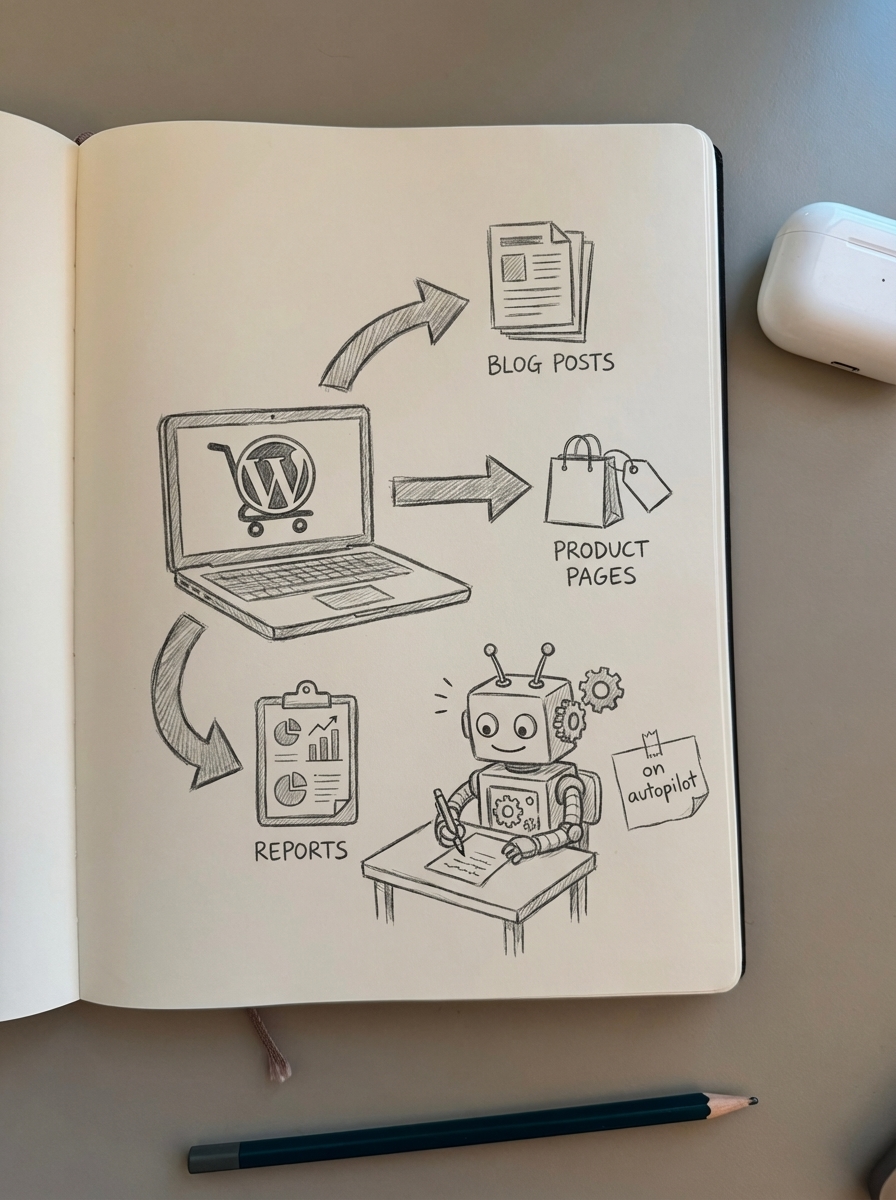
AI reduces content editing time by approximately 70% while improving grammar and style consistency. Modern e-commerce requires dual optimization for traditional SEO and Generative Engine Optimization (GEO) – ChatGPT alone generates 2.63 billion monthly visits.
ContentGecko automates the entire content loop:
Planning: Analyzes your catalog, identifies high-value keywords, builds content clusters
Writing: Generates how-to guides, listicles, buyer guides optimized for your products
Publishing: Direct integration via WordPress Connector Plugin, automatic formatting, images, internal links
Monitoring: Tracks rankings, CTR, conversions by SKU
Updating: Refreshes content when prices, stock, or URLs change
You set brand guidelines, approve content plans (optional), and get ongoing reporting. Companies using AI-powered SEO reporting platforms report up to 10x organic traffic growth while significantly reducing manual SEO tasks.
Implementation checklist
Start here, prioritize by impact:
Week 1: Technical foundations
Set WordPress permalinks to “Post name”
Configure WooCommerce URL structure (shop base with category)
Set up robots.txt (block cart/checkout/account, allow products/categories)
Install and configure an SEO plugin (Rank Math or Yoast)
Submit XML sitemap to Google Search Console
Week 2: On-page optimization
Audit top 20 products: unique titles, meta descriptions, 300+ word descriptions
Add structured data for products (price, availability, reviews)
Optimize images: compress, rename files, add alt text
Enable breadcrumbs in WooCommerce settings
Week 3: Category pages
Audit category naming (use Category Optimizer for suggestions)
Add 200–300 words unique content to top 5 categories
Review internal linking structure
Week 4: Faceted navigation & content
Implement faceted navigation SEO strategy (canonical tags, robots.txt rules)
Launch initial content cluster (1 pillar + 3–5 supporting articles)
Set up Google Search Console monitoring
Ongoing
Weekly: Check GSC for errors, monitor top landing pages
Monthly: Refresh top-performing product/category pages, expand content clusters
Quarterly: Keyword analysis, backlink audit, competitor benchmarking
Measuring success
Track these metrics in the Ecommerce SEO Dashboard or Google Search Console:
Organic traffic by page type (products vs. categories vs. blog posts)
Impressions and CTR overall and by page type
Product landing pages (which SKUs get organic traffic)
Conversion rate from organic compared to paid traffic
Crawl efficiency (pages crawled vs. indexed in GSC > Settings > Crawl Stats)
Set benchmarks now and review monthly. Optimized product pages typically see 2–3x higher conversion rates compared to unoptimized equivalents.
TL;DR
WooCommerce SEO is a technical and content challenge. Optimize product pages with unique descriptions, keyword-focused titles, and structured data. Build clean URL structure, configure robots.txt to preserve crawl budget, and implement a tiered indexing strategy for faceted navigation. Choose an SEO plugin that scales with your catalog – Yoast/Rank Math for manual control, ContentGecko for full automation. Build topical authority with product-focused content clusters. Measure performance by page type and iterate monthly.
Start with technical foundations (URL structure, robots.txt, sitemap), then optimize high-traffic categories and products. Automate content creation to scale beyond 1,000 SKUs. Track organic traffic, conversions, and crawl efficiency to prove ROI.