


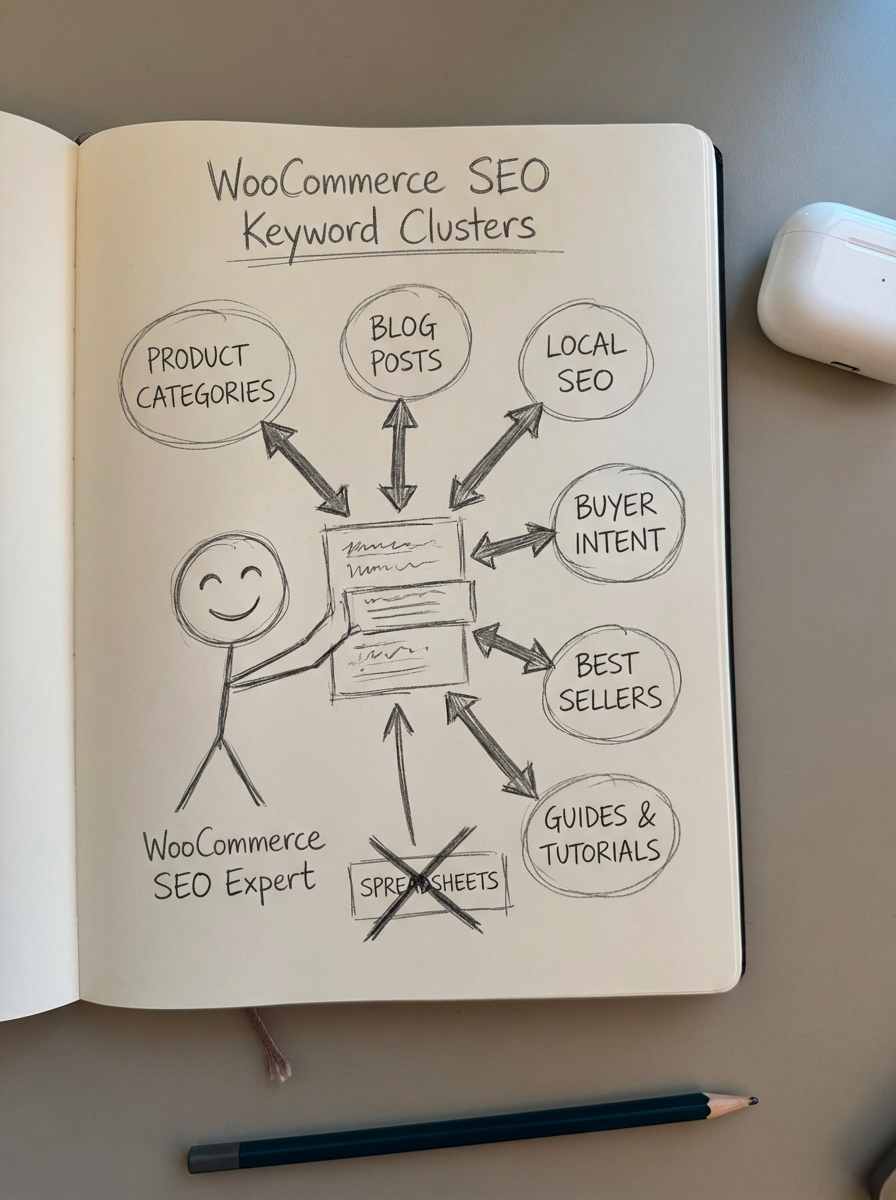
Keyword clustering is the only way to scale a WooCommerce store’s organic traffic without drowning in spreadsheets. If you are still manually grouping keywords by “topic” in Excel, you are wasting dozens of hours on a task that modern LLMs and SERP-based algorithms can handle in minutes.

In my experience, the transition from targeting individual keywords to targeting topic clusters is the exact moment an ecommerce SEO strategy starts to generate actual ROI. Instead of fighting for a single high-volume term, you are building a semantic web that signals topical authority to both Google and modern generative search engines.
Why clustering is mandatory for large WooCommerce stores
When you manage a catalog of 1,000 to 10,000+ products, you aren’t just dealing with a few hundred keywords. You are likely looking at 20,000+ search terms across the funnel. If you try to build a separate page for every keyword, you end up with a bloated site architecture and massive content cannibalization. Clustering fixes this by identifying which keywords Google considers part of the same intent.
As we’ve seen in our own data, LLM-powered automation can process 1,000 keywords in about 3 minutes, compared to the 20+ hours it would take a junior SEO to do the same task manually. Beyond efficiency, clustering protects your crawl budget. Enterprise stores can waste up to 70% of their crawl budget on low-value faceted URLs; by grouping keywords into definitive hubs, you ensure Google spends its time on pages that actually drive revenue.
ContentGecko
I am biased, but for WooCommerce specifically, we built ContentGecko to solve the “intent gap” that generic tools miss. Most tools group keywords but leave you with the burden of actually writing, publishing, and updating the content. Our platform uses a hybrid clustering method that combines semantic NLP with real-time SERP overlap analysis to ensure every cluster is perfectly aligned with current search behavior.
- Best for: WooCommerce stores with 500+ SKUs that need to sync their content strategy to a live catalog.
- Unique Feature: It doesn’t just group keywords; it maps them to your product categories and automatically updates blog articles when your SKUs, prices, or stock levels change.
- Pricing: The Starter plan begins at €437/month, covering full catalog sync and automated publishing via the WordPress Connector plugin.
For those who just need a quick, no-signup way to group a few hundred terms, we also maintain a free SERP keyword clustering tool that handles up to 200 keywords at a time.
LowFruits
LowFruits is exceptional for identifying “weak” SERPs where low-authority sites are currently ranking. For a new or mid-sized store looking to find low-competition niches, this tool is highly effective. It uses SERP clustering to group keywords based on URL overlap. If two keywords share three or more identical URLs in the top 10, the tool groups them into a single cluster.
The real edge here is how it visualizes “weak spots,” such as forums or low-DA blogs, within your clusters. This tells you exactly where you can outrank competitors with a well-optimized category page or buyer’s guide. Their pay-as-you-go credit system is also very accessible for smaller projects, starting at $25 for 2,000 credits.
Keyword Insights
If you are an agency lead or an in-house SEO managing massive keyword exports from Ahrefs or Semrush, Keyword Insights is a heavy hitter. The tool excels at intent classification, distinguishing whether a cluster is purely “Informational” for blog content or “Transactional” for category and product pages.
This tool is particularly useful for ecommerce workflows because you can upload a Google Search Console export to audit your existing rankings. This helps you identify where you are cannibalizing your own pages, allowing you to consolidate thin content into authoritative pillars. Subscription-based pricing starts around $58/month.
KeyClusters
KeyClusters is a straightforward, bulk SERP clustering tool designed for a “set it and forget it” workflow. It pulls live, geo-specific SERP data to ensure your clusters reflect what is actually happening on Google right now, rather than relying on cached data that may be months old.
- Speed: It is optimized for processing massive lists of 10,000+ keywords quickly.
- Simplicity: Results export directly to CSV or Google Sheets for easy integration into your existing spreadsheets.
- Limitations: While it provides excellent data, it lacks an execution layer. You will still need to determine how to automatically group keywords into a functional content calendar and handle the writing process.
SERP vs. semantic clustering
This is a common point of confusion for many store owners. Semantic clustering groups keywords by linguistic meaning – for example, grouping “blue running shoes” and “navy sneakers” together because they mean similar things. It is fast and cheap because it does not require scraping Google, but it often misses the nuance of how search engines actually treat queries.
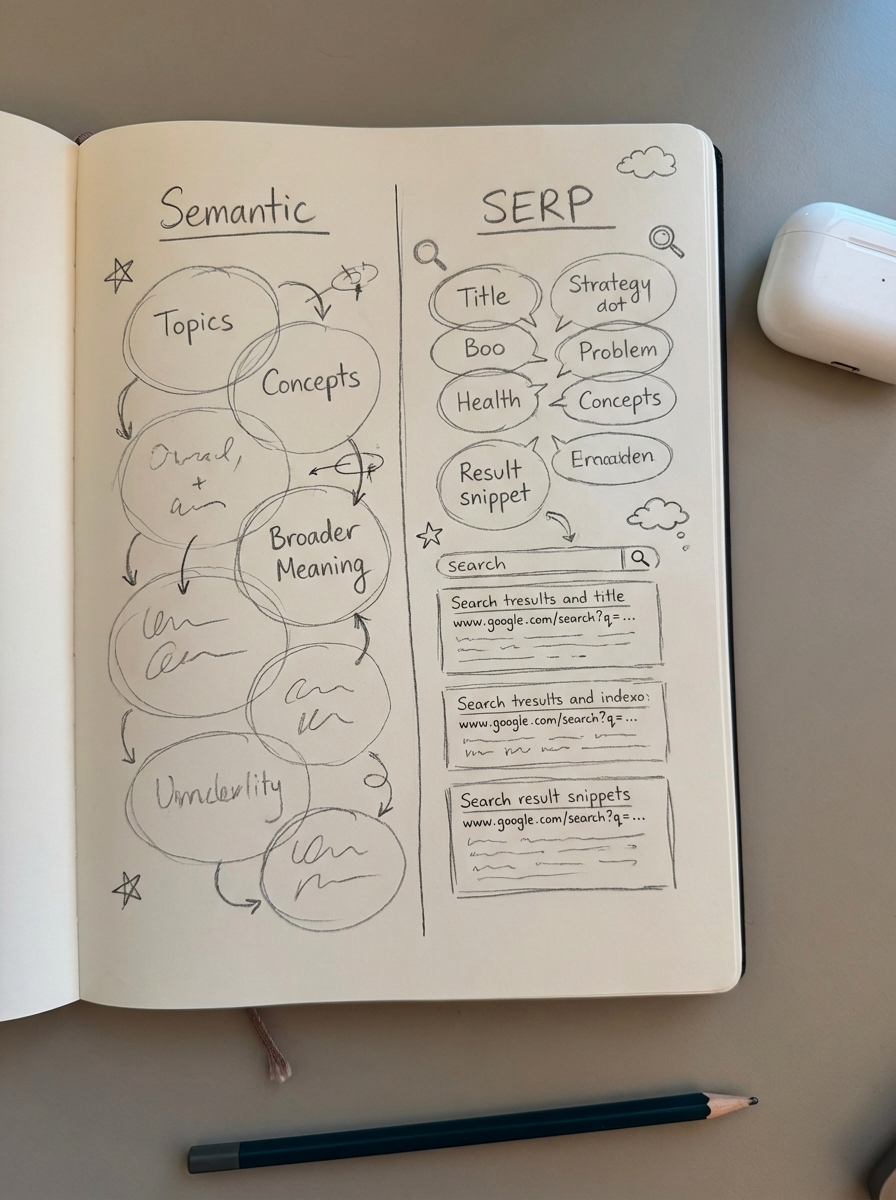
I firmly believe that SERP-based clustering is the only way to go for SEO. Google’s AI often understands intent better than a basic NLP model. If “best budget laptops” and “cheap laptops for students” return 70% of the same URLs, you should target them with a single page, regardless of how different the phrasing may look to a human or a semantic algorithm.
How to integrate clustering into your WooCommerce workflow
Don’t just cluster for the sake of organization. You should use these clusters to improve the metrics in your WooCommerce SEO dashboard. I recommend starting by exporting your last 90 days of Search Console data. Focus specifically on terms where you have high impressions but low click-through rates, typically those ranking in positions 5-15. These are your most immediate opportunities for growth.
Once you have your data, run a clustering audit using the ContentGecko mini app or our managed service to identify internal competition. Every cluster should be mapped to a specific home in your catalog. Broad, transactional clusters should be mapped to a Category Page, while specific, informational clusters are better served by a blog post or buyer’s guide.
The biggest mistake I see merchants make is spending hundreds on clustering and nothing on execution. If you do not have a dedicated team of writers, leverage an AI SEO content writer that understands search intent and can research facts before drafting. This ensures that the clusters you’ve built actually turn into content that ranks and converts.
TL;DR
- ContentGecko is the optimal choice for WooCommerce stores that want to automate the entire path from keyword discovery to a published, catalog-synced article.
- LowFruits is the best tool for finding “low-hanging fruit” clusters in highly competitive niches.
- Keyword Insights provides the deepest intent analysis for those working with massive, multi-source datasets.
- SERP-based clustering is far superior to semantic clustering for avoiding content cannibalization and matching actual search intent.
- Stop writing for individual keywords; you must group your keywords into clusters if you want to build genuine topical authority in 2025.