


Most WooCommerce stores fail to scale because they measure the wrong signals, misattribute revenue, or drown in vanity metrics that don’t drive SKU growth. If you are looking at aggregate organic traffic and wondering why your revenue isn’t moving in lockstep, you are likely falling into measurement traps that hide the real performance of your catalog.
Failing to segment by page type
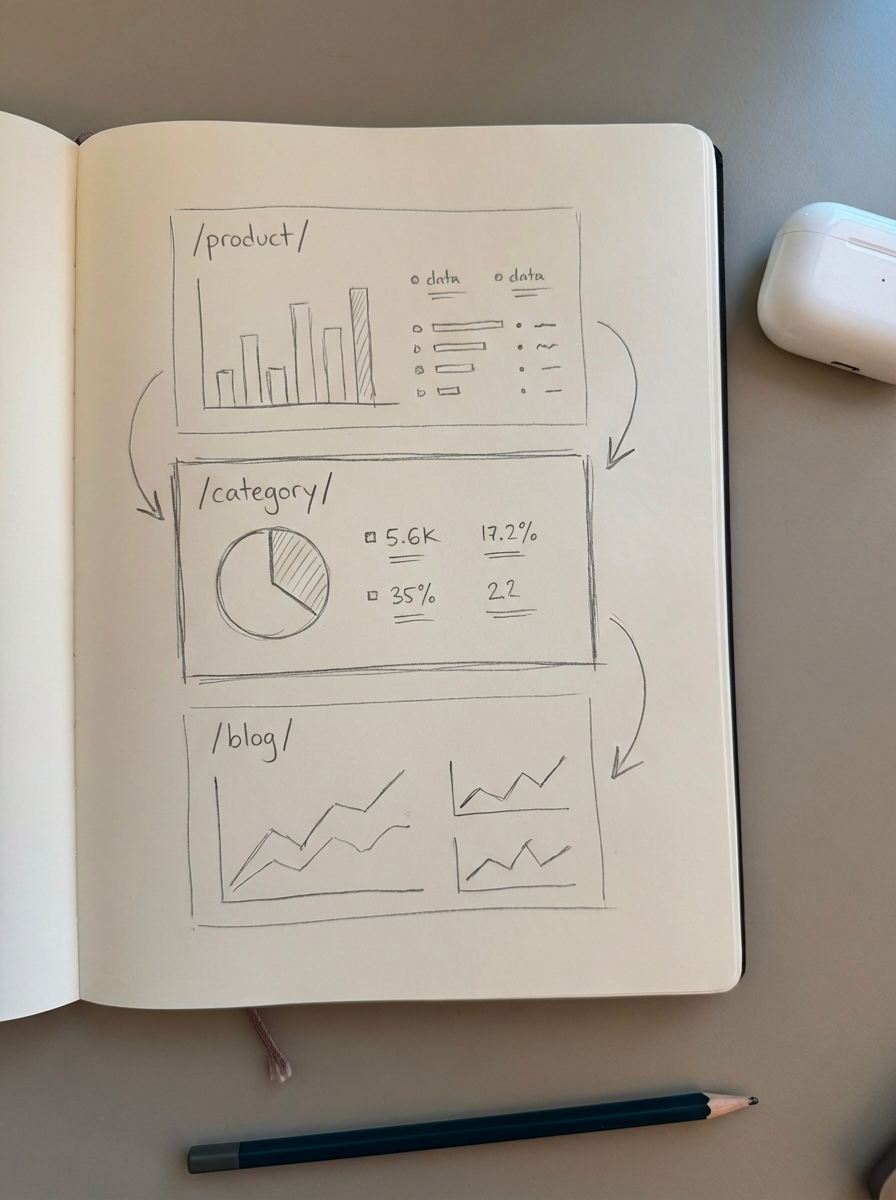
The biggest mistake in ecommerce reporting is treating “Organic Traffic” as a single, monolithic metric. A click to a product page has a fundamentally different intent and commercial value than a click to a blog post or a category page. I often see marketers celebrate a 20% traffic increase, only to realize later that the growth came from a single low-intent blog post while high-converting category pages remained stagnant.
I firmly believe that optimizing category pages is significantly more important than product pages for most stores. Categories are your “aisles,” and if you don’t segment your data, you won’t see when these aisles are underperforming. Without segmentation, your reporting is essentially blind to which part of your funnel is actually broken.
To fix this, you must use URL pattern filters in your reporting tools to separate your traffic into distinct buckets: /product/, /category/, and /blog/. We built the ContentGecko Ecommerce SEO Dashboard specifically to automate this process, allowing you to see which specific segments are driving revenue and which ones are simply inflating your traffic numbers without contributing to the bottom line.
Measuring SEO ROI with third-party tool estimates
Third-party keyword databases are too small to accurately represent your true search volume. While tools like Ahrefs or SEMrush are excellent for competitor research, using their “Traffic Value” or “Search Volume” metrics for your internal performance reporting is a mistake. I have audited hundreds of stores where these estimates were off by 50% or more compared to actual site data.
You should rely exclusively on Google Search Console (GSC) for your ranking and impression data. It is the only source of truth for how Google actually perceives your site. To get a holistic view of performance, you must combine GSC data with GA4 to see how those impressions translate into on-site behavior and, ultimately, revenue.
The GA4 SKU-mismatch attribution gap
In WooCommerce, if your item_id in GA4 doesn’t match your store’s SKU exactly, your product-level reporting will break. This is a common issue when using generic Google Tag Manager (GTM) setups that haven’t been tuned for the specific requirements of the WooCommerce data layer. I’ve seen multiple cases where a store appeared to have zero organic product sales because the analytics was looking for a “Product Name” while the database was sending a “Product ID.”
Without this direct link, you might see that your SEO content is driving sessions, but you won’t know which specific products are being added to the cart as a result. This makes it impossible to calculate the true ROI of your SEO efforts on a per-product basis.
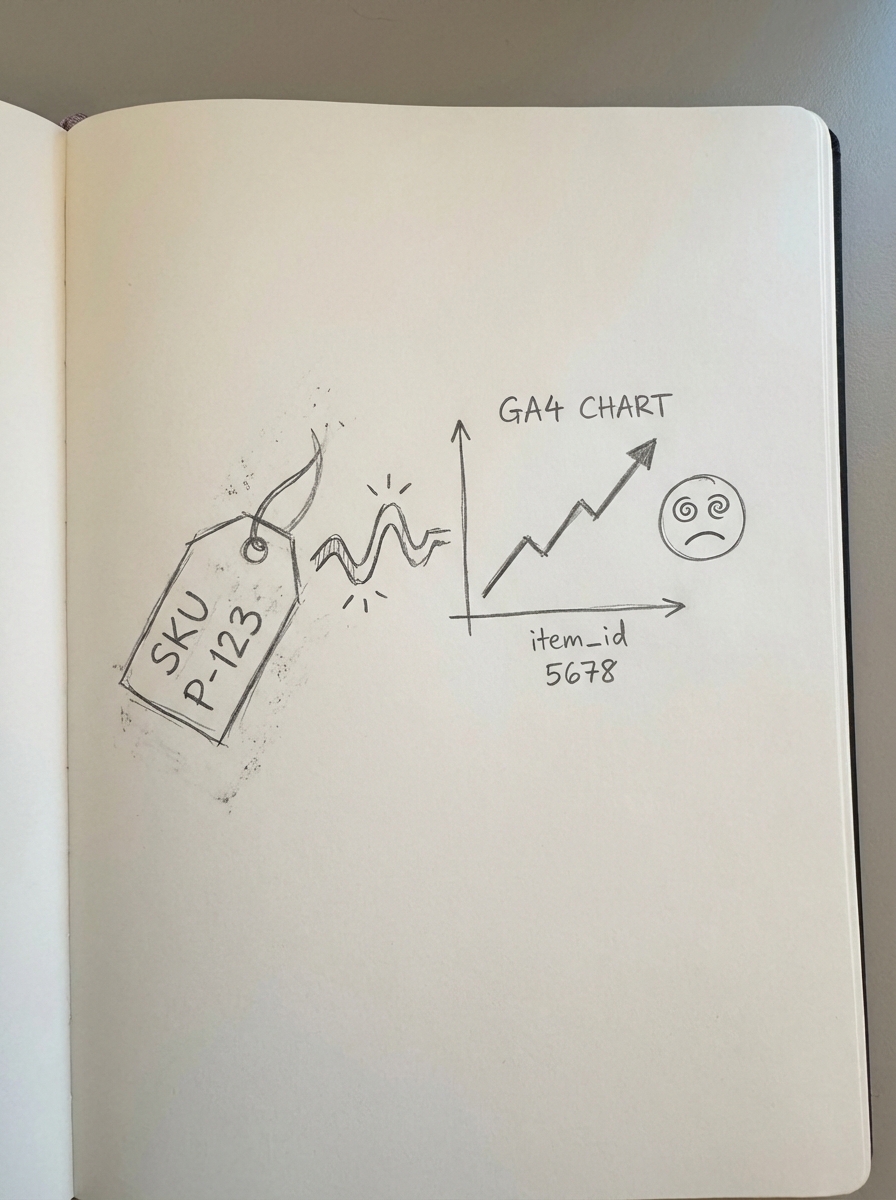
You should audit your GA4 ecommerce tracking setup to ensure that the purchase event and the view_item event are pulling identical identifiers. For complex stores, I personally recommend using the GTM4WP plugin to ensure the data layer is robust and follows Google’s expected naming conventions.
Local SEO cannibalization and misattribution
If you have physical showrooms or a local presence, your Google Business Profile (GBP) often cannibalizes clicks from your traditional organic listings. Many marketers fail to distinguish between clicks driven by the Local Map Pack and those driven by standard organic authority. I’ve seen teams take credit for “SEO improvements” when, in reality, they were just ranking better for “near me” queries due to physical proximity rather than better content.
When these traffic sources are lumped together, your data becomes noisy. You might think your site’s content strategy is working when you’re actually just seeing a seasonal spike in local foot traffic queries.
The fix is to use UTM parameters on your GBP website link, such as ?utm_source=google&utm_medium=organic&utm_campaign=gbp. This allows you to isolate local search performance and accurately evaluate your broader ecommerce SEO strategy without local noise distorting the results.
Over-reporting vanity metrics to the C-suite
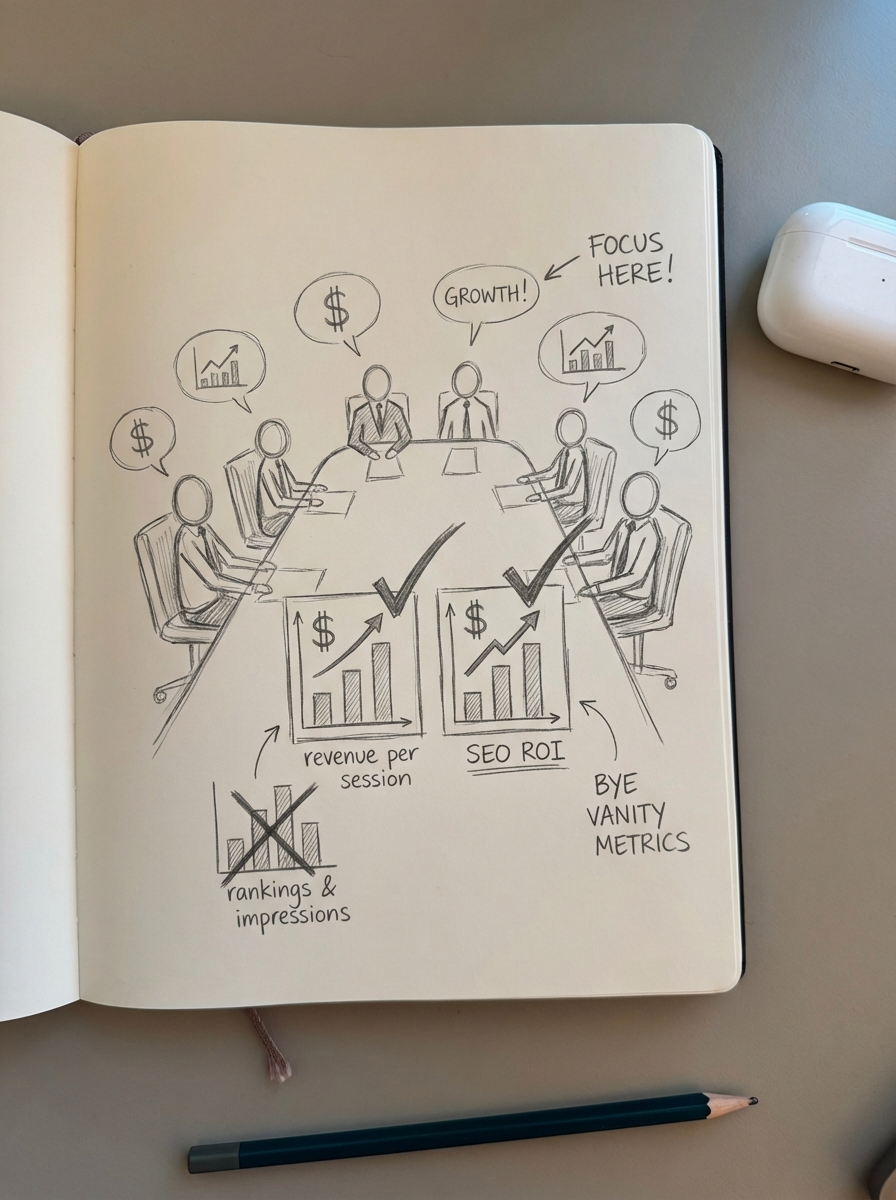
Reporting metrics like “Average Position” or “Total Impressions” to a business owner is usually a waste of time. These are leading indicators for SEOs, not business outcomes for executives. I have sat in boardrooms where the SEO team presented “ranking gains” while the CEO was looking at a 10% drop in organic revenue.
High-level stakeholders care about revenue per session, conversion rates, and the cost-per-acquisition (CAC) via organic search. You should shift your reporting to focus on conversions and SEO ROI. Use professional SEO report templates that lead with revenue wins and conclude with technical health, rather than the other way around.
Ignoring URL bloat in performance data
The most common technical SEO mistake is a bloated website with thousands of duplicate or low-value pages, often caused by unfiltered facet results. From an analytics perspective, this “bloat” dilutes your data and makes it nearly impossible to identify which URL you should actually be optimizing. You end up with hundreds of rows in GSC for variations of the same product page, which fragments your click and impression data.
A clean index is a requirement for clear analytics. If your data is spread across 50 different versions of a category page, you will never see the true ranking potential of that category.
- Use robots.txt to block facets and filter results from being indexed.
- Ensure your canonical tags point to the “master” version of the category or product.
- Check your SEO dashboards regularly to ensure no “junk” URLs are siphoning off traffic.
Treating informational content as a cost
Many merchants stop investing in their blog because they don’t see immediate “Last-Click” sales. This is a fundamental measurement failure. Informational content like how-to guides and listicles often serves as the “First-Touch” in a customer journey, introducing your brand to shoppers who aren’t ready to buy yet but will be in two weeks.
If you only measure last-click attribution, you will systematically undervalue your most important top-of-funnel traffic. To properly value this content, use event tracking in GA4 to measure micro-conversions, such as newsletter signups or “Add to Cart” events originating from blog pages.
Our WordPress Connector Plugin was designed to solve this by creating catalog-aware content that bridges the gap between informational search and product intent, ensuring that your content serves a commercial purpose from day one.
TL;DR
Most SEO measurement failures in WooCommerce stem from a lack of page-type segmentation and broken SKU attribution. To fix your analytics, stop relying on third-party tool estimates and focus on connecting Search Console visibility to GA4 revenue data. By cleaning up URL bloat and properly tagging local traffic, you can move away from vanity metrics and toward a data-driven strategy that prioritizes category growth and real content ROI.