


Local SEO delivers the highest-intent traffic available to WooCommerce stores. When someone searches “bike repair near me” or “custom furniture Denver,” they’re not browsing – they’re buying, often that same day. 78% of SEO experts identify business category as the #1 local ranking factor, yet most stores optimize for national keywords while ignoring qualified customers in their backyard.
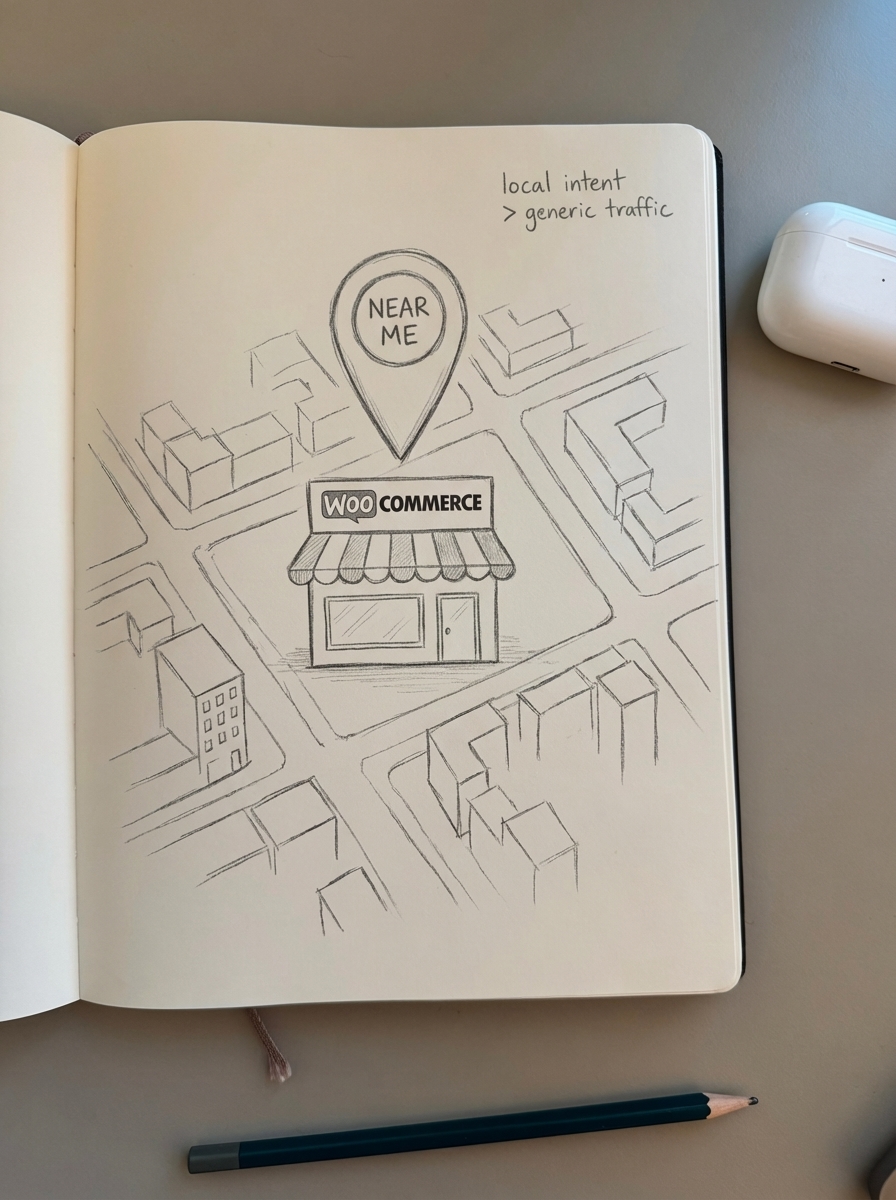
I’ve watched clients double qualified traffic in 90 days by implementing proper local optimization. The difference between ranking for “organic coffee roasters” and “organic coffee roasters Portland” is the difference between competing with Blue Bottle nationwide and dominating your neighborhood. If you run a WooCommerce store with physical locations, local pickup, or regional focus, local SEO is your fastest path to revenue.
Why local SEO matters for WooCommerce
46% of all Google searches have local intent, and 76% of “near me” mobile searches result in same-day store visits. These searches represent customers at the bottom of the funnel – they know what they want and they’re ready to buy.
The problem: most WooCommerce stores chase high-volume keywords with low conversion intent. I’ve seen stores ranking #1 for “handmade soap” (18,000 monthly searches, 0.8% conversion rate) while missing page one for “handmade soap Brooklyn” (320 monthly searches, 4.2% conversion rate). That neighborhood search drives more revenue per impression than the national term, and it’s substantially easier to rank for.
Commercial intent keywords like “best,” “affordable,” and “near me” convert 3.7x better than informational keywords for local businesses. When you combine commercial intent with geographic modifiers, you get search traffic that actually closes.
Google Business Profile optimization
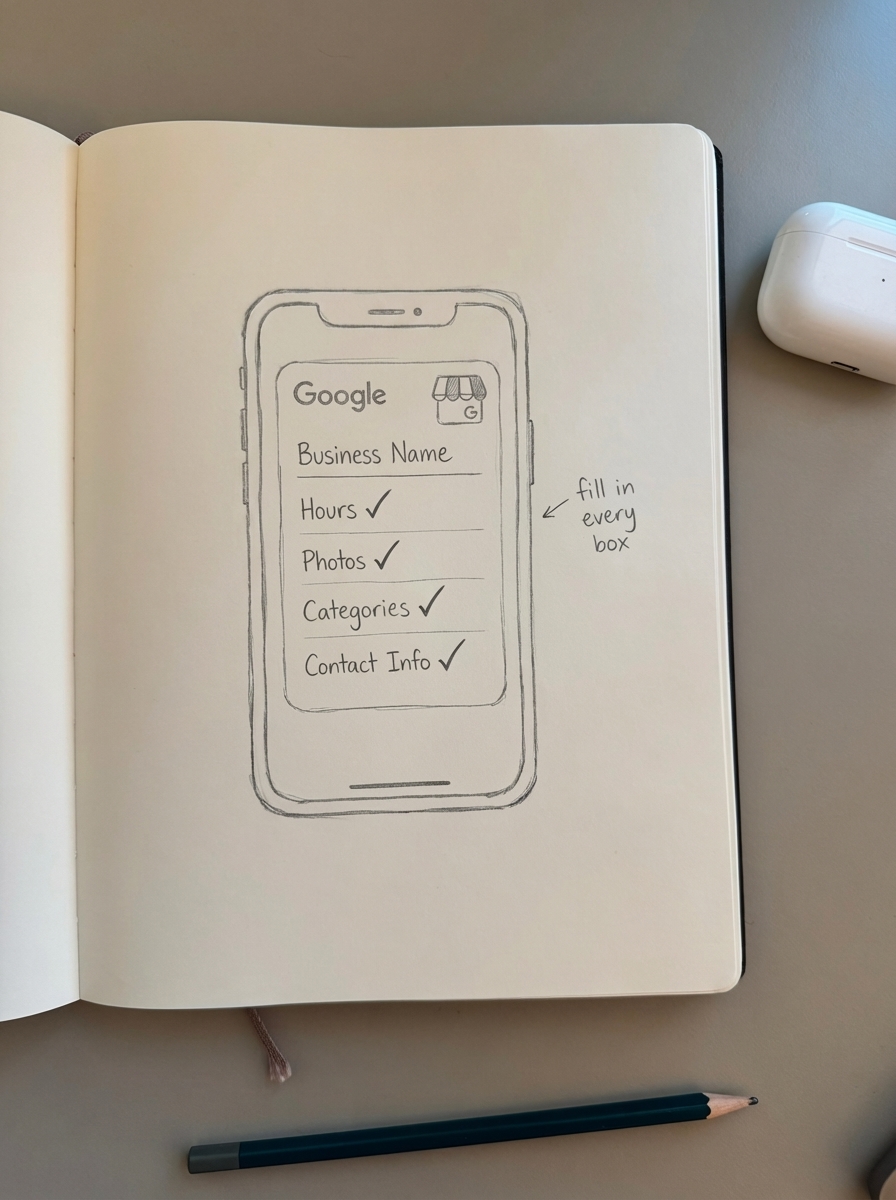
Your Google Business Profile is the foundation of local SEO. Complete profiles get 7x more clicks than incomplete ones, yet I routinely audit stores with missing hours, no photos, and generic categories that tell Google nothing useful.
Choose the right primary category
This single decision determines when Google shows your business in local results. 78% of SEO experts call primary category the #1 local ranking factor. Choose poorly and you’re invisible no matter how good your other optimization is.
Be specific. “Furniture Store” beats “Store.” “Custom Furniture Maker” beats “Furniture Store.” I once changed a client’s category from “Retail Store” to “Sporting Goods Store” and their local pack impressions increased 340% in two weeks. Google needs precision to match your business to relevant searches.
Add comprehensive business information
Fill every field Google provides. Each completed field is a signal of legitimacy and relevance.
Hours: Include holiday hours and update them in real-time. Opening hours mismatches between your GBP and structured data cause a 28% ranking drop.
Service areas: Define precise regions, not “entire state.” Listing too broad an area reduces conversion rates by 42% because Google shows you to searchers you can’t actually serve.
Attributes: Check every relevant attribute – “Wheelchair accessible,” “Free Wi-Fi,” “Curbside pickup.” These appear in search filters and help Google match you to user preferences.
Products tab: Upload your top WooCommerce products. Using the Products tab increases conversions by 18%. A homebrew supply client added their top 50 SKUs to GBP and saw a 23% increase in “directions” clicks within two weeks.
Respond to Q&A within 24 hours
Businesses responding to questions within 24 hours see 28% higher trust scores. Set up mobile notifications and treat Q&A like customer support, because that’s what it is.
Pre-populate common questions before customers ask them:
- “Do you offer same-day pickup?”
- “What payment methods do you accept?”
- “Do you ship nationwide or local only?”
- “Are your products available in-store or online only?”
This proactive approach shows Google – and customers – that you’re actively managing your presence.
Upload high-quality photos consistently
High-quality, locally-relevant images increase engagement by 35%. Upload at least:
- Interior shots showing your physical space
- Product photos matching your WooCommerce catalog
- Team photos (customers trust businesses with visible people)
- Customer photos (with explicit permission)
- Exterior photos showing your storefront and parking
A jewelry store client uploaded weekly “New Arrivals” photos synced to their WooCommerce catalog. GBP website clicks increased 41% month-over-month, and they attributed 8% of online sales directly to GBP traffic.
Posting weekly updates signals activity to Google and improves local pack rankings. Treat your GBP like a social media channel – consistent, fresh content performs better.
NAP consistency and local citations
NAP (Name, Address, Phone) inconsistencies are silent ranking killers. NAP discrepancies reduce local pack visibility by 27%, and 80% of consumers check multiple directories before contacting a business. If they find conflicting information, they lose trust – and so does Google.
Audit your current citations
Search for your business name plus city. Check these critical directories:
- Google Business Profile
- Apple Maps
- Yelp
- Yellow Pages
- Industry-specific directories (more on these below)
Document exactly how your NAP appears on each platform. Variations like “St.” vs “Street” or “(503)” vs “503” count as inconsistencies to Google’s algorithm. Even spacing matters – “123 Main St” vs “123 Main St.” with a period triggers inconsistency flags.
Prioritize data aggregators
Four aggregators – Factual, Neustar Localeze, Foursquare, and Infogroup – power ~90% of directory sites. Fix your data at the aggregator level and it propagates everywhere. Chasing individual directories is inefficient; control the source and you control the downstream.
Submit your accurate NAP to these aggregators first, then monitor how the data flows to secondary directories over 4-6 weeks.
Target industry-specific directories
General directories (Yelp, Yellow Pages) matter, but industry listings convert 19% better because they reach customers already interested in your category.
Examples:
- Kayak retailers: paddling associations, outdoor recreation directories
- Coffee roasters: specialty coffee directories, local roaster associations
- Farm supply: agricultural co-op directories, county extension listings
I helped a farm supply store get listed in three agricultural co-op directories. Three months later, they ranked #2 in local pack for “livestock feed [county name]” – a keyword driving $12K/month in revenue.
Location-specific content strategy
Templated location pages are dead. Unique location landing pages rank 47% higher than templated pages, and Google’s algorithms have shifted to hyperlocal relevance as the standard for 2025. The days of find-and-replace location pages are over.
Create unique location landing pages
Build a dedicated page for each service area with genuinely distinct content:
Unique H1: “Handmade Furniture in Pearl District, Portland” (not “Handmade Furniture in [City]”)
Local context: Neighborhood history, demographics, and common needs. Why do Pearl District residents buy custom furniture? What design aesthetics dominate the neighborhood? What space constraints do they face?
Product recommendations: Feature WooCommerce products relevant to that location’s characteristics. If you’re targeting a neighborhood with small apartments, emphasize space-saving furniture. If it’s a historic district, highlight restoration-appropriate pieces.
Local testimonials: Customer stories from that specific area, with permission to use neighborhood names.
Embedded Google Map: Show your location relative to the neighborhood.
LocalBusiness schema: Proper structured data for the location (covered in detail below).
A landscaping supply store created neighborhood guides like “Drought-Resistant Plants for Southeast Portland Clay Soil.” Each guide referenced specific WooCommerce products available for local delivery and addressed soil conditions unique to that area. Traffic from “Portland landscaping supplies” increased 67% in six months, and the conversion rate from those guides was 2.3x higher than their category pages.
Write “how to choose” guides
“How to choose [product] in [city]” guides convert 29% better than standard product pages because they address local buying conditions while naturally linking to your products.
Effective examples:
- “How to choose running shoes for Seattle’s wet winters”
- “Selecting HVAC filters for Phoenix dust storms”
- “Best fishing rods for Lake Michigan tributaries”
- “Picking paint colors for Bay Area coastal homes”
These guides should:
- Address environmental factors specific to the location
- Reference local regulations or restrictions
- Link to specific WooCommerce products that solve local problems
- Include testimonials from local customers
- Feature location-specific FAQs
ContentGecko’s AI content writer generates these guides at scale, synced to your product catalog and automatically updated when inventory changes.
Blog about hyperlocal topics
Hyperlocal blog content generates 3.1x more local backlinks compared to generic content. Write about:
- Local events you’re participating in or sponsoring
- Neighborhood business partnerships and collaborations
- Local customer success stories and case studies
- Regional product applications and use cases
A bike shop client wrote “Best Cycling Routes in [City] + Gear You Need” posts for five nearby cities. Each post linked to relevant WooCommerce products (bike lights, repair kits, GPS mounts) and addressed route-specific needs (steep climbs requiring lower gears, heavy traffic requiring visibility gear). The posts attracted backlinks from local cycling blogs and clubs. The shop now ranks top-three for “[city] bike shop” across all five cities.
Local keyword research and targeting
Most stores optimize for the wrong local keywords – high-volume terms with weak local intent instead of high-intent terms with regional modifiers.
Prioritize commercial intent keywords
Commercial intent keywords like “best,” “affordable,” and “near me” convert 3.7x better than informational keywords for local businesses. Focus on:
- “Best [product] in [city]”
- “[Product] near me”
- “Where to buy [product] [city]”
- “[Product] [neighborhood]”
- “Local [product type]”
- “[Product] [city] delivery”
For comprehensive tactics on finding and prioritizing these terms, see our guide on keyword research for local SEO.
Target long-tail local keywords
Long-tail local keywords with 500-1,000 monthly searches yield 45% higher conversion rates than broader terms. Instead of “custom cabinets Portland” (high competition, vague intent), target “custom kitchen cabinets Southeast Portland” or “bathroom vanity maker Hawthorne.”
The lower search volume doesn’t matter when conversion rates are 2-3x higher. One thousand impressions at 4% conversion beats ten thousand impressions at 0.5% conversion.
Use ContentGecko’s free keyword clustering tool to identify local keyword opportunities and group them by intent. Intent-based clustering improves content relevance by up to 40% while preventing keyword cannibalization when you’re creating multiple location pages.
Optimize for voice search
Voice search queries are 61% longer than text searches and require natural language optimization. Include conversational phrases:
- “What’s the best place to buy [product] near me?”
- “Where can I find [product] in [city]?”
- “Who sells [product] close to [landmark]?”
- “Which store has [product] in stock today?”
Write FAQ sections that answer these questions verbatim. Voice assistants often pull answers directly from FAQ schema and conversational content.
Local structured data implementation
Structured data tells Google exactly what your business is, where you operate, and what you sell. LocalBusiness schema completeness increases local pack visibility by 31%.
Implement LocalBusiness schema
Add JSON-LD markup to your homepage and location pages with these required properties:
{ "@context": "https://schema.org", "@type": "LocalBusiness", "name": "Portland Pottery Supply", "image": "https://example.com/storefront.jpg", "address": { "@type": "PostalAddress", "streetAddress": "1234 SE Division St", "addressLocality": "Portland", "addressRegion": "OR", "postalCode": "97214", "addressCountry": "US" }, "geo": { "@type": "GeoCoordinates", "latitude": 45.5051, "longitude": -122.6750 }, "url": "https://example.com", "telephone": "+15035551234", "priceRange": "$$", "openingHoursSpecification": [ { "@type": "OpeningHoursSpecification", "dayOfWeek": ["Monday", "Tuesday", "Wednesday", "Thursday", "Friday"], "opens": "09:00", "closes": "18:00" } ]}Critical: Your schema must match your Google Business Profile exactly. Opening hours mismatches between schema and GBP cause a 28% ranking drop. When you update GBP hours, update schema immediately.
For complete implementation details and troubleshooting, see our guide on WooCommerce structured data.
Add product schema with local inventory
Product schema with offers and availability raises rich snippet impressions by 42%. Include local availability in your WooCommerce product markup:
{ "@context": "https://schema.org", "@type": "Product", "name": "Professional Pottery Wheel", "offers": { "@type": "Offer", "availability": "https://schema.org/InStock", "availableAtOrFrom": { "@type": "Place", "address": { "@type": "PostalAddress", "addressLocality": "Portland", "addressRegion": "OR" } }, "price": "899.00", "priceCurrency": "USD" }}This schema enables “Available for pickup today at [Location]” features in search results, which significantly boost CTR for local searches.
Implement review schema
Google displays star ratings in local pack results when you have proper review markup. AggregateRating schema increases CTR by 35%. Learn exactly how to implement this in our WooCommerce reviews schema guide.
Reviews and reputation management
Businesses with 4.7+ star ratings get 72% more clicks than those with 4.2 or lower. Reviews aren’t just social proof – high Google star ratings rank as the #6 Local Pack ranking factor, and steady growth of reviews over time is a key ranking signal.
Automate review requests
Use WooCommerce hooks to send review requests post-purchase. Timing matters: send requests 7-10 days after delivery, when customers have used the product but haven’t forgotten the purchase experience.
A furniture store client added a simple automated email: “How’s your new bookshelf working out? We’d love to hear your feedback.” Review volume increased 210% in three months, and their average rating improved from 4.3 to 4.6 as satisfied customers (who rarely leave unsolicited reviews) started contributing.
Respond to every review
Professional responses to negative reviews recover 39% of at-risk customers, and one negative review can cost up to 30 customers. Respond within 24 hours with:
For positive reviews: Genuine thanks and specific acknowledgment of what they mentioned. Avoid templated responses – customers and Google both notice.
For negative reviews: Acknowledgment of the issue, empathy, and a concrete solution offer. Take detailed resolution discussions offline but show publicly that you care and respond.
Natural keyword usage: Work your primary keywords into responses naturally. “We’re glad you found exactly what you needed at our Portland location” is better than “Thanks for shopping with us.”
Diversify review platforms
Diversity of third-party sites where reviews are present is a ranking factor. Encourage reviews on:
- Google Business Profile (highest priority for local SEO)
- Industry-specific sites (Yelp for restaurants, Houzz for contractors, etc.)
- Your WooCommerce store using native reviews
Cross-link reviews to your GBP and website to show search engines consistent positive sentiment across multiple independent sources.
Local link building tactics
Regional backlinks boost domain authority in target markets by 18-25 points. The goal isn’t volume – it’s relevance. One link from a neighborhood blog or local business association carries more weight for local rankings than ten generic directory links.
Partner with local businesses
Cross-promote with complementary businesses. A plant nursery partners with local pottery makers; a bike shop partners with outdoor apparel stores. Create “Local Partners” pages that link to each other.
These partnerships work because:
- The links are naturally relevant (Google values topic and geographic relevance)
- You share customer bases (referral traffic converts better)
- The relationship extends beyond just a link (genuine partnerships create more linking opportunities over time)
Sponsor local events and organizations
Local sponsorships drive 4.3x more referral traffic than generic directory links. Sponsor:
- Youth sports teams
- Community festivals and street fairs
- Nonprofit fundraisers
- Local school programs and events
- Chamber of commerce events
You get a backlink (usually from a .org or .edu domain), brand visibility in the community, and genuine goodwill. The combination delivers better ROI than purely SEO-focused link building.
Create link-worthy local content
“State of [Industry] in [City]” reports attract 37% more local backlinks than standard blog posts. Other effective link magnets:
- Local industry surveys with original data
- Comprehensive neighborhood guides
- Historical content about your area or industry
- Data studies relevant to your region
A real estate services client published “Portland Neighborhood Walkability Scores + Home Values” with original analysis. Local blogs, real estate websites, and the city’s tourism board all linked to it. The report generated 47 backlinks in six months and ranks #1 for multiple neighborhood-related searches.
Technical local SEO for WooCommerce
Optimize site speed for mobile
Sites that load in under 3 seconds drive significantly more sales and improve local mobile reach. Google’s mobile-first indexing means your mobile performance directly impacts local rankings.
Core Web Vitals targets for local SEO:
- LCP (Largest Contentful Paint): Under 2.5 seconds
- INP (Interaction to Next Paint): ≤200ms
- CLS (Cumulative Layout Shift): Below 0.1
These metrics are explicit local SEO ranking factors. Use Google PageSpeed Insights to audit your mobile performance and prioritize fixes that impact these Core Web Vitals.
Control faceted navigation
WooCommerce’s filtering and sorting options create thousands of URL variations. Without proper controls, you’ll suffer from indexation bloat and wasted crawl budget.
Solutions:
- Add
rel="nofollow"to non-primary filter links - Use canonical tags to point filtered URLs to the main category page
- Block filter parameters in robots.txt
- Implement proper URL structure from the start to minimize duplicate content
Set up local inventory feeds
If you offer local pickup or maintain physical inventory, implement local inventory feeds in your product schema. In-store pickup options increase conversions by 35%.
Display real-time stock availability:
- “Available for pickup today at [Location]”
- “In stock at [City] location”
- “2 left at [Neighborhood] store”
This transparency builds trust and captures customers who need products immediately.
Maintain proper XML sitemaps
Include location pages and local content in your WooCommerce XML sitemap. Update the sitemap whenever you add new locations or local content, and submit it to Google Search Console. Monitor indexation status to ensure Google is crawling and indexing your local pages properly.
How ContentGecko automates local SEO for WooCommerce
Managing local SEO across multiple locations or service areas is tedious. You need unique content for each area, proper schema implementation, consistent NAP across directories, and ongoing updates when your catalog changes. Manual maintenance doesn’t scale beyond 2-3 locations.
ContentGecko automates the entire process:
Catalog-synced local content: Generates location-specific guides and landing pages that reference your actual WooCommerce products. When products change, prices update, or inventory shifts, the content updates automatically. No manual editing required.
Automated schema implementation: Adds LocalBusiness, Product, and Review schema to every page with correct location data and synchronized opening hours. The system monitors for mismatches between your GBP and structured data to prevent the ranking drops caused by inconsistencies.
Multi-location scaling: Create unique content for 5 locations or 50 – the system generates neighborhood-specific guides that address local buying conditions and link to relevant products without templating or duplication.
Review monitoring: Tracks review velocity, sentiment distribution, and schema accuracy across your Google Business Profile and website reviews.
Local keyword optimization: Clusters local keywords by intent and service area using our SERP clustering algorithm, ensuring each location page targets the right terms without cannibalization.
I worked with a regional garden supply chain (8 locations across Oregon) that implemented ContentGecko for local content automation. Within four months:
- Local pack visibility increased 43% across all locations
- “Near me” traffic grew 127%
- Average order value from local organic traffic increased $23 (they attributed this to better product matching in automatically-generated location guides)
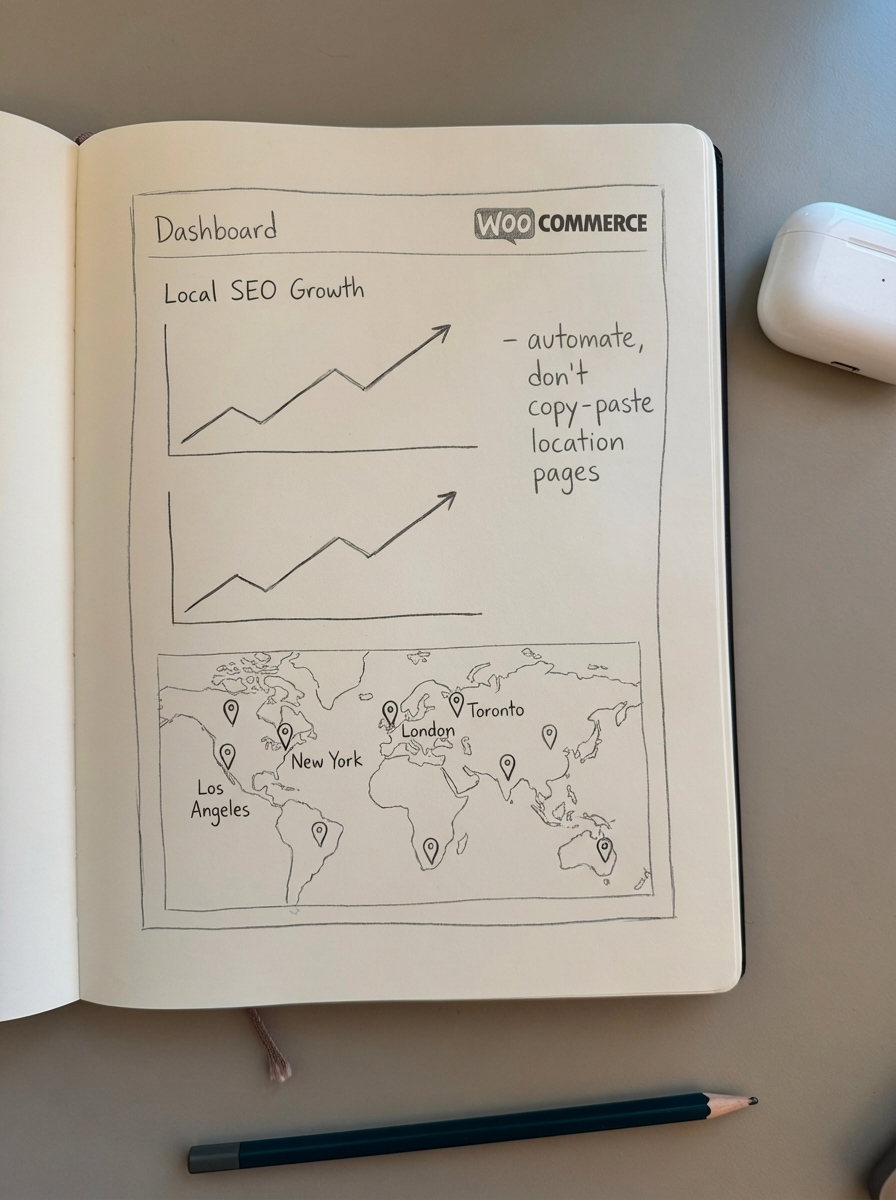
The ecommerce SEO dashboard breaks down performance by location and content type, so you can identify which areas need attention and which strategies are working best.
Measuring local SEO performance
Track these metrics to quantify ROI:
Local pack visibility: Use Google Business Profile Insights to monitor:
- How customers find you (direct vs. discovery searches)
- Where customers find you (Google Search vs. Google Maps)
- Customer actions (website clicks, direction requests, phone calls)
Local organic rankings: Track position for your top 50-100 location keywords. Use Google Search Console filtered by country/region to see geo-specific performance. Monitor both your location pages and product pages ranking for local terms.
Conversion rate by traffic source: Compare conversion rates from:
- Google Business Profile clicks
- Local organic traffic (keywords with geographic modifiers)
- “Near me” searches specifically
- Direct navigation after viewing your GBP
Review metrics: Monitor monthly review volume, average rating, response rate, and review sentiment. Steady review growth over time is a ranking factor, so track monthly trends rather than just total count.
Use the SEO ROI calculator to estimate revenue impact from local SEO improvements and justify continued investment.
Common local SEO mistakes to avoid
Inconsistent NAP across platforms: This is the silent killer. Search your business name plus city and audit every listing. Fix inconsistencies before investing in any other local tactics.
Choosing the wrong GBP category: Your primary category determines when Google shows your business. “Store” is useless. “Custom Furniture Maker” is specific and matchable to relevant searches.
Ignoring Google Q&A: Unanswered questions signal inactivity to Google and create uncertainty for potential customers. Set up notifications and respond within 24 hours.
Templated location pages: Google’s algorithm detects thin, duplicate content. Every location page needs unique, relevant content that addresses local conditions and needs.
Missing or incorrect schema: LocalBusiness schema implementation is essential for modern local SEO. Missing it means you’re invisible to structured data features and AI-powered search.
Not responding to reviews: Professional responses recover 39% of at-risk customers. Ignoring reviews – especially negative ones – tells Google and customers that you don’t care about feedback.
Forgetting mobile performance: Over 50% of local searches happen on mobile, and mobile speed is a direct ranking factor. Slow mobile pages kill both rankings and conversions.
TL;DR
Local SEO is the highest-ROI channel for WooCommerce stores serving regional customers. Start with your Google Business Profile – complete profiles get 7x more clicks – and ensure NAP consistency across all directories.
Create unique location landing pages with proper LocalBusiness schema, target long-tail local keywords that convert 45% better, and build a systematic review acquisition process. Most stores see meaningful traffic increases within 60-90 days of proper implementation.
For multi-location stores or those managing large catalogs, automation becomes essential. ContentGecko syncs with your WooCommerce catalog to generate and maintain location-specific content, implement proper schema, and track local performance – so you can focus on serving customers instead of manually updating landing pages.