


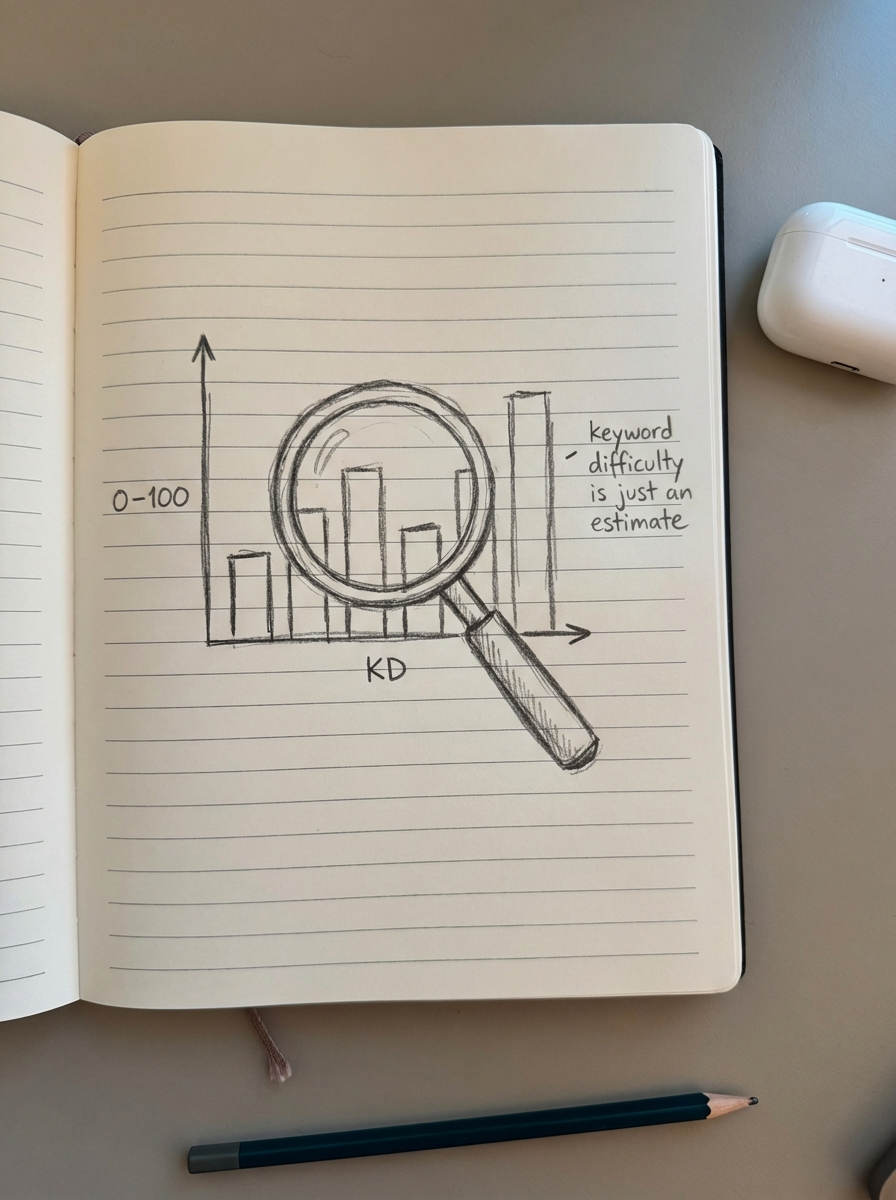
Keyword difficulty is a directional metric that helps you prioritize your content roadmap, but it is frequently the most misunderstood data point in an SEO’s toolkit. While most tools present a neat 0–100 score, these numbers are relative estimates rather than absolute truths, and relying on them without context is a recipe for stalled rankings and wasted marketing spend.
How different tools calculate keyword difficulty
Every SEO tool has its own proprietary formula for calculating difficulty, which is why you will often see a keyword labeled as “Easy” in one platform and “Moderate” in another. At ContentGecko, we find that these discrepancies usually stem from which specific ranking factors the tool prioritizes – whether it is domain-wide authority, page-level backlink counts, or SERP real estate.
SEMrush KD calculation
SEMrush determines keyword difficulty on a 0–100% scale using a multi-step process that looks beyond just backlinks. According to their standard keyword difficulty metrics, they evaluate the top 10 ranking pages by analyzing domain strength, which includes the backlink profile and overall authority of the ranking sites. They also factor in SERP features like snippets, carousels, or ads that might “crowd out” organic results and affect the click-through rate. Additionally, they look at backlink quality by examining the ratio of follow versus nofollow links pointing to the specific ranking pages.
Ahrefs KD calculation
Ahrefs takes a much more focused approach compared to other platforms. Their score is almost entirely based on the number of referring domains – unique websites – linking to the top 10 pages. They do not weigh on-page SEO or domain-wide authority as heavily in this specific metric. In practice, this means if a page has 500 links from high-authority sites, Ahrefs will assign a high difficulty score regardless of whether the content is actually helpful or if the site itself is a global brand.
Moz and Mangools
Moz focuses heavily on Page Authority (PA) and Domain Authority (DA) of the websites currently sitting in the top 10. Similarly, Mangools uses a “Link Profile Strength” metric. This pulls from various sources to evaluate the quality and quantity of links, specifically looking at Trust Flow and Citation Flow to gauge how hard it is to break into the first page of results.
I have found that relying exclusively on a single tool’s score is a mistake. Most 3rd party keyword research tools have databases that are too small to accurately represent every niche or capture real-time SERP volatility. We use these scores as a baseline, but we always perform manual analysis to see who is actually holding the top spots.
What keyword difficulty scores mean in practice
While the specifics vary between tools, most SEOs follow a standard interpretation of the 0–100 scale. For a growing WooCommerce store, I interpret these bands as follows:
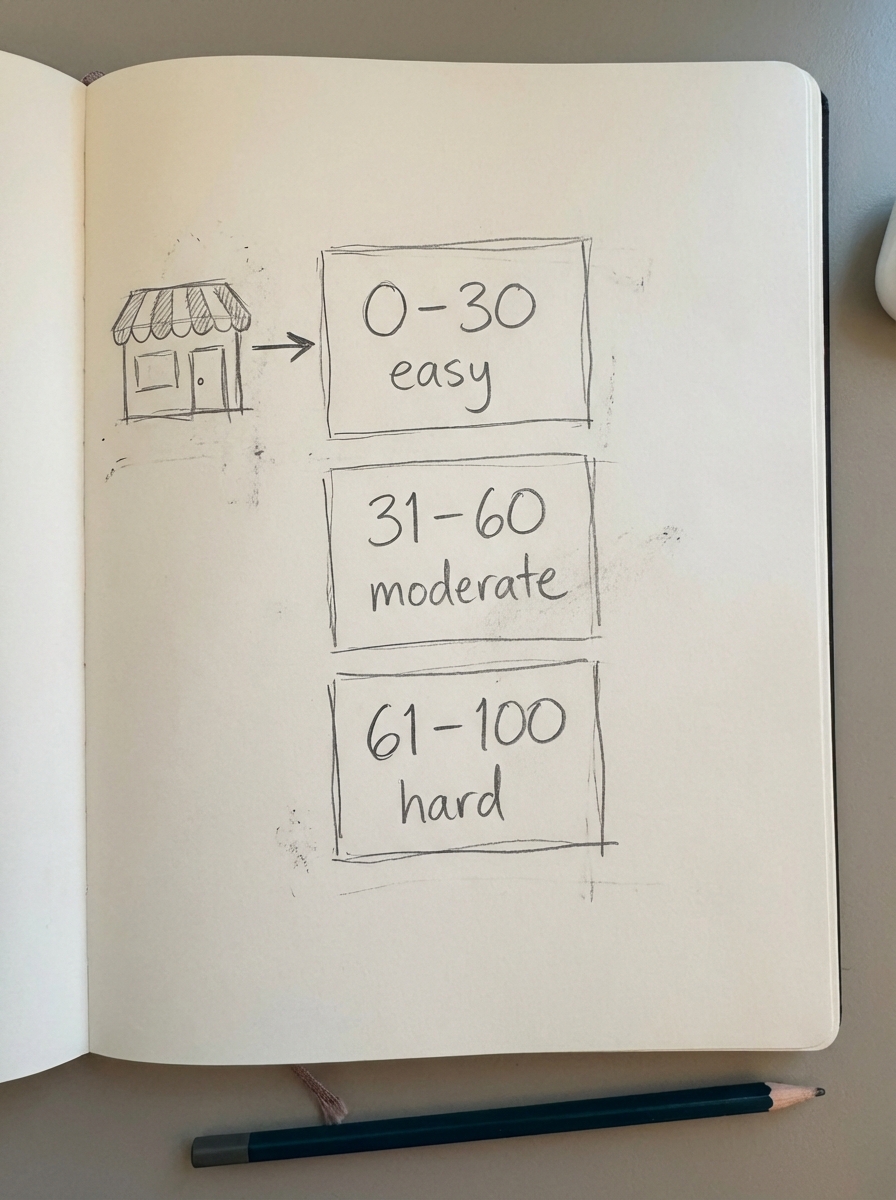
- 0–30 (Low/Easy): These are the “quick wins.” New stores or those with low domain authority should live in this range. You can often rank for these by simply writing better content than the competition, even without a massive backlink push. This is the ideal zone for finding low competition keywords that drive immediate traffic.
- 31–60 (Moderate): To rank here, you need more than just good content; you need to establish topical authority. You’ll likely need a cluster of related articles and at least a few high-quality backlinks from relevant sites in your industry to move the needle.
- 61–100 (Hard/Difficult): This is the territory of Amazon, Walmart, and major industry publications. Unless you have a massive budget for link building and a high-authority domain, I usually advise merchants to ignore these terms in the short term.
The limitations of KD scores
The biggest objection I hear from marketers is that they targeted a “KD 10” keyword but still cannot break past page five. This happens because difficulty scores have significant blind spots, particularly regarding brand intent. If the top 10 results for a query are all big-box retailers, a low difficulty score is misleading. Google has often decided that for that specific query, users want a known brand. No amount of “optimized” content will move a small merchant into those top positions if the intent is purely navigational.
Furthermore, traditional difficulty metrics do not account for entity-based keyword research strategies. Modern search engines look for relationships between concepts and entities. If your store sells organic beard oil but you try to rank for a low-difficulty term like “best electric razors,” Google might ignore you. Even if the keyword is “easy,” you haven’t established the entity of being a shaving expert, so your relevance remains low.
How to prioritize SEO efforts using KD
If you are managing a store, do not just chase the lowest number on the screen. I recommend using a structured keyword research workflow that balances difficulty with business value:
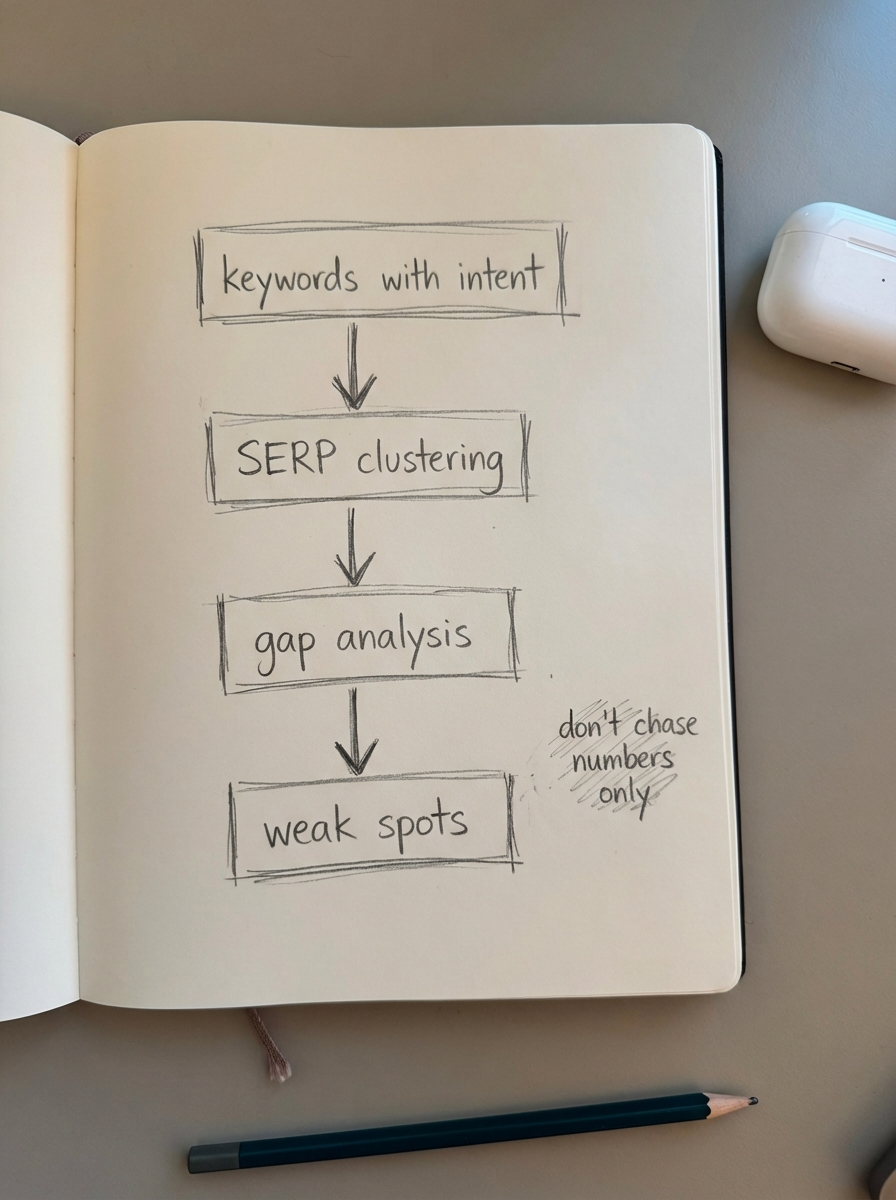
- Identify Commercial Intent First: A low-difficulty keyword that is purely informational is often less valuable than a moderate-difficulty keyword with high purchase intent. We prioritize terms that indicate a user is ready to buy, even if the competition is slightly higher.
- Use SERP Clustering: Instead of looking at individual keywords, use SERP-based keyword clustering to group queries that share similar search results. If a whole cluster has a low average difficulty, that represents a much stronger opportunity than a single outlier keyword.
- Run a Competitor Gap Analysis: Use competitor keyword gap insights to find where your rivals are ranking for moderate-difficulty terms with thin or outdated content. These gaps represent your best entry point into competitive markets.
- Check for “Weak Spots”: Manually check the results. If you see forums like Reddit, low-authority blogs, or poorly optimized product pages in the top 10, the “real” difficulty is likely much lower than what the tools suggest.
At ContentGecko, we believe the best way to handle difficulty is to iterate content like a product. We launch an MVP article and then monitor its progress on our ecommerce SEO dashboard. If a “Hard” keyword starts getting impressions on page three, that is a signal from Google that we have a right to rank there, and we double down on that content cluster.
TL;DR
Keyword difficulty is an estimate of the authority moat surrounding a search result, typically measured on a 0–100 scale. While tools like SEMrush and Ahrefs provide useful benchmarks, they often ignore brand dominance and topical entity relationships. For WooCommerce stores, the most effective strategy is to focus on keywords in the 0–30 range that have clear commercial intent, while always validating the results with a manual SERP check to find weak spots in the competition.