


Automated SEO reporting replaces the manual drudgery of data collection with real-time dashboards, allowing you to focus on high-level strategy rather than spreadsheet maintenance. For agencies and in-house leads, this shift is the difference between guessing which products drive growth and having definitive proof of organic ROI.
What is automated SEO reporting?
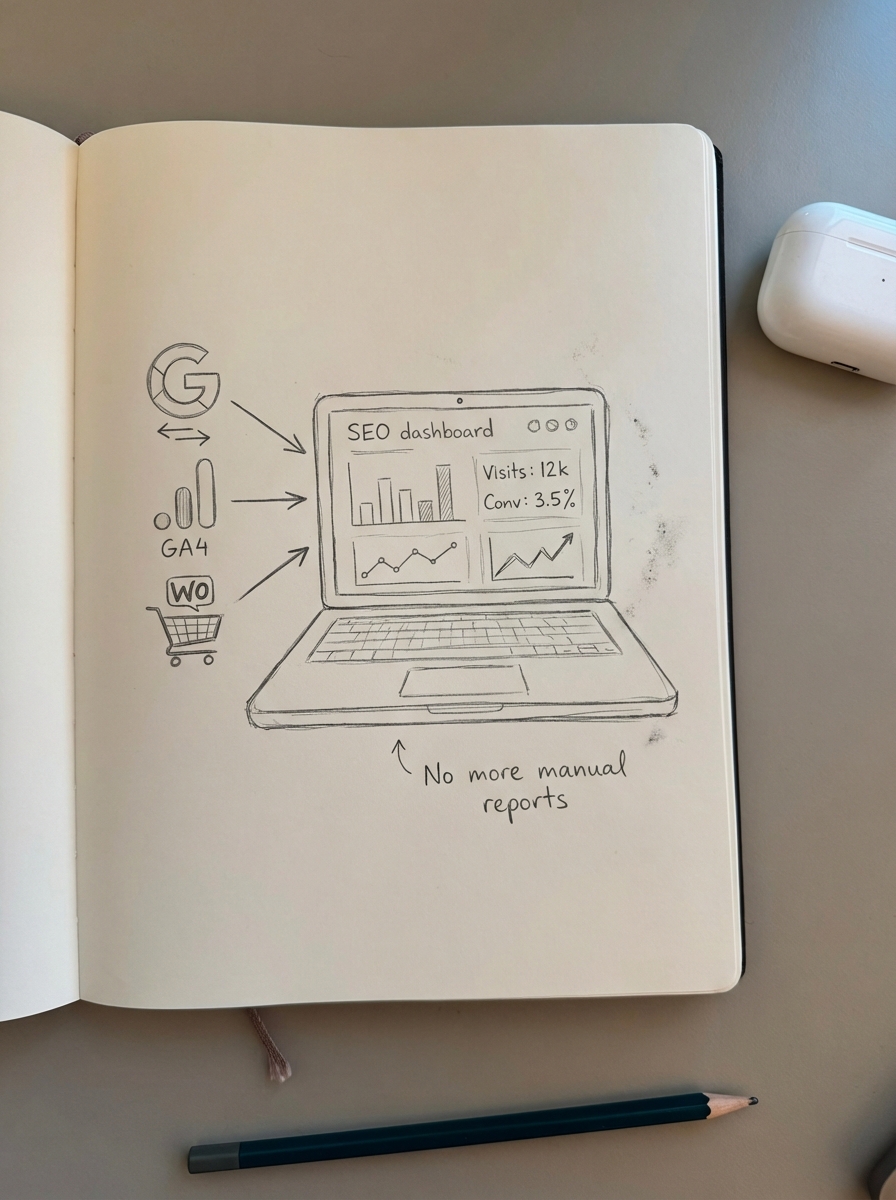
Automated SEO reporting is the process of using software to pull first-party data from sources like Google Search Console (GSC), Google Analytics 4 (GA4), and your WooCommerce database into a centralized dashboard that updates in real-time. By establishing these direct connections, you ensure that your reporting reflects the current state of the store without the lag associated with monthly manual exports.
In my experience, the biggest misconception about automation is that it makes reports “impersonal” or “robotic.” I’ve found that it actually does the opposite. By removing the manual labor of copying and pasting numbers, you free up senior SEO leads to provide the actual context that clients pay for: why the numbers moved and what the next move should be. I’ve seen teams using unified reporting platforms save over 10 hours weekly. This shift leads to significantly faster decision-making because the data is always live and accessible, rather than being trapped in a mid-month draft.
Why automation is non-negotiable for communicating ROI
For WooCommerce brands, the gap between “ranking for a keyword” and “generating $10,000 in revenue” is often far too wide. Manual reporting usually focuses on vanity metrics like impressions and rankings because they are easy to aggregate. However, automation allows you to bridge that gap by connecting search visibility to revenue, which is the only metric that truly matters to a store owner.
- Reliance on first-party data: Third-party keyword databases are notoriously small and often inaccurate by a wide margin. Automation allows you to rely exclusively on GSC, which is the only accurate source for rankings and impressions.
- SKU-level performance tracking: In an automated setup, you can track revenue per product from organic search. This is easily the most overlooked WooCommerce SEO metric, yet it provides the clearest picture of which items are your organic heavy hitters.
- Improving client retention: Clients rarely fire agencies because traffic stayed flat; they fire them because they cannot see the financial impact of the work being done. Automated SEO dashboards provide 24/7 transparency that builds trust and justifies continued investment.
Step-by-step workflow to automate your reporting stack
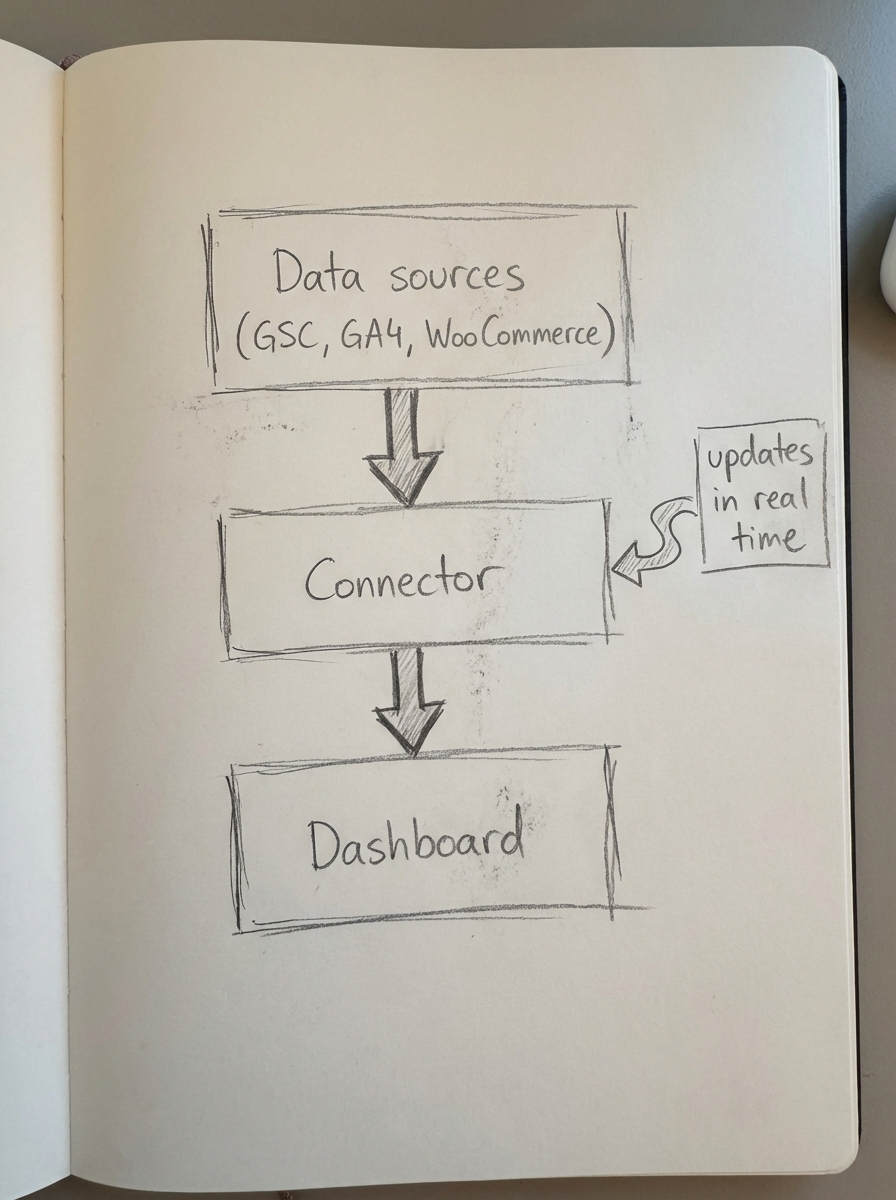
Building an automated reporting workflow for a WooCommerce brand requires a structured approach involving data sources, a connector, and a visualization layer.
Connect GA4 and Search Console
This is the foundational step of any sophisticated reporting stack. You must link GSC with GA4 to understand how specific keyword rankings translate into on-site engagement. For WooCommerce specifically, it is vital to ensure you have enhanced ecommerce tracking properly enabled. I always double-check that the item_id in GA4 matches the WooCommerce SKU exactly; without this alignment, your revenue attribution will be fundamentally broken.
Set up page type segmentation
Standard reports often lump all organic traffic together, which makes it impossible to distinguish between a blog visitor and a high-intent shopper. This is a common mistake that masks the true performance of your “money pages.” I recommend using URL-pattern filters in your reporting tool to segment performance into three distinct buckets. Product pages typically include /product/ or /p/, while category pages usually contain /product-category/ or /c/. Blog posts can be isolated via /blog/ or /articles/. This segmentation allows you to see if your traffic gains are hitting the pages designed to convert or merely boosting informational sessions.
Visualize with Google Looker Studio
Google Looker Studio remains the industry standard for automated SEO reports because it is free and integrates seamlessly with the Google ecosystem. When building a dashboard, I focus on year-over-year organic traffic growth and organic conversion rates by category. It is also helpful to include a list of the top 10 gaining and declining keywords. This allows you to spot content decay early, giving you the chance to refresh articles before they lose all their visibility.
Implement automated health alerts
Automation should serve as your early warning system, not just a monthly summary. I recommend setting up automated alerts for specific triggers that require immediate human intervention. This includes ranking drops greater than five positions for priority keywords, sudden traffic losses exceeding 20%, or a sudden spike in 404 errors. These spikes often occur during WooCommerce catalog updates and can devastate your indexation if left unchecked.
Essential WooCommerce KPIs to track automatically
When building your dashboard, you must resist the urge to include every available metric. Instead, focus on the narrow set of data that drives actual business results.
- Organic Revenue and ROAS: This is the primary metric that should lead every report. If the SEO effort isn’t driving revenue, the rest of the data is secondary.
- SKU-level visibility and engagement: You should track impressions, clicks, and CTR per SKU to identify which products are winning in search and which are being ignored.
- Rich results and schema health: A missing or invalid schema setup can reduce your rich result eligibility by 32%. Monitor the click-through rate for your product results specifically; stores that utilize verified customer review stars in search results often see a 5-7% lift in organic clicks.
- Potential Additional Clicks: This is a rough estimate of the traffic you would gain if your domain moved to the first position for all keywords where you currently have impressions. It is a powerful visualization tool for showing clients the “money left on the table” and justifies the budget for further optimization.
How ContentGecko fits into the reporting stack
Reporting on existing performance is straightforward, but reporting on the specific impact of new content is where most SEO leads struggle. ContentGecko was designed to automate the entire lifecycle of WooCommerce SEO, from initial planning to final reporting.
Our WooCommerce SEO dashboard is purpose-built for stores managing hundreds or thousands of products. Instead of manually correlating blog posts to specific SKU sales, the platform syncs directly with your catalog through our WordPress connector plugin.
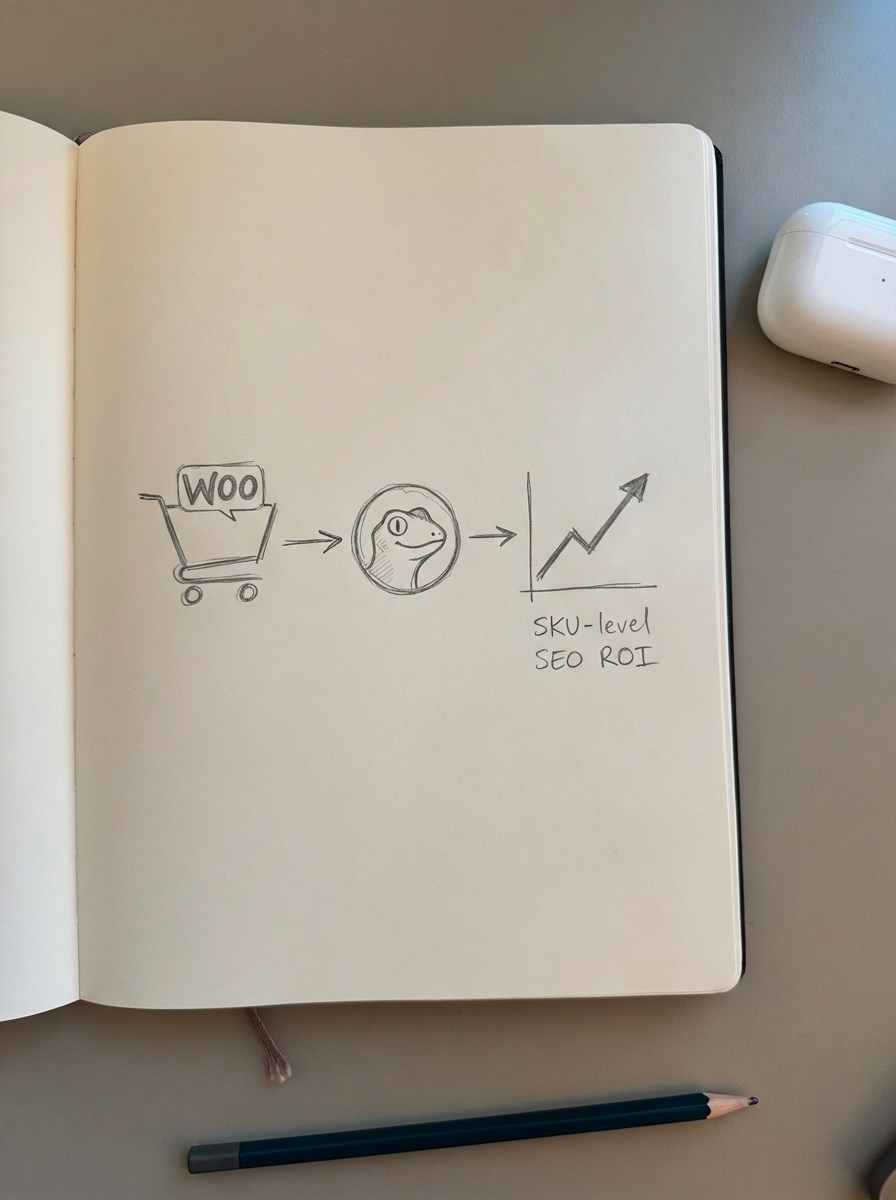
The system automatically measures content-driven sessions and revenue at the SKU level. This transforms your reporting from a passive summary of the past into an automated feedback loop. It tells you exactly which products in your catalog need more content support to drive the next round of sales, allowing you to iterate your SEO strategy like a product manager rather than a traditional marketer.
TL;DR
Stop spending hours on manual data entry and switch to automated SEO reporting by linking GA4, GSC, and Looker Studio. To prove real business value, you must prioritize SKU-level revenue tracking and page-type segmentation. Leverage ContentGecko to automate both content production and ROI tracking for your WooCommerce catalog, allowing you to move from reporting on historical data to predicting future growth.