


The biggest mistake I see ecommerce marketers make is tracking 50 vanity keywords while their 10,000-SKU catalog remains a complete black box. For a high-volume WooCommerce store, a rank tracker isn’t just a scoreboard; it is an early warning system for your inventory, category health, and organic revenue.

If you are managing a large catalog, you need a tool that handles bulk data without providing stale, weekly-only updates. Most standard trackers are built for bloggers who care about a handful of informational posts. In ecommerce, we care about which high-margin product category just dropped from position #2 to #11 because of a technical glitch or a competitor’s aggressive new content strategy.
Why WooCommerce rank tracking is different
Standard SEO tools often fail ecommerce teams because they don’t account for the WooCommerce SEO reporting nuances that actually drive sales. In my experience, tracking a store requires three specific capabilities: daily updates, intelligent segmentation, and mobile parity.
Search results for commercial intent keywords fluctuate wildly. If you only see updates every seven days, you are reacting to last week’s news. You must also be able to group keywords by product category, brand, or intent. I always prioritize optimizing category pages over individual product pages because that is where the high-volume, high-intent traffic lives.
Finally, over 50% of US ecommerce traffic is mobile. If your tracker only shows desktop results from a generic US-wide IP, you are missing half the picture. You need granular data that reflects how users are actually finding your products on their phones.
Top SEO rank trackers for ecommerce performance
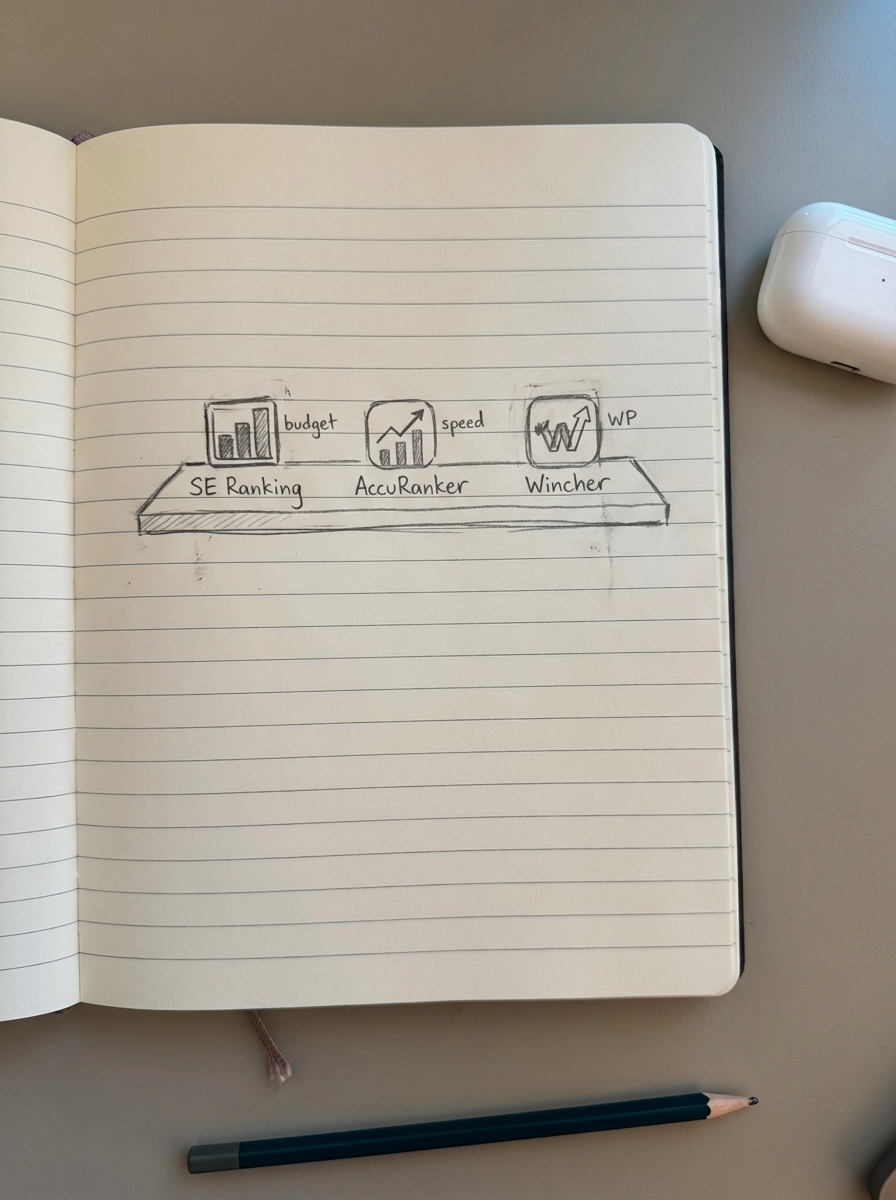
SE Ranking: The best all-rounder for mid-market stores
I have found SE Ranking to be the most balanced tool for WooCommerce managers who need deep data without an enterprise price tag. Their interface is intuitive, and they offer one of the most accurate SERP keyword tools currently available for tracking thousands of positions across different regions.
- Pros: Incredible value for the price; excellent keyword grouping features; includes a reliable site audit tool.
- Cons: The keyword research database is slightly smaller than some premium competitors.
- Pricing: Starts around $39/month.
- Best for: Stores with 500 to 5,000 products that need reliable daily tracking and automated keyword clustering to organize their catalog.
AccuRanker: The speed king for high-volume catalogs
If you are managing an Enterprise-level store with 10,000+ SKUs, AccuRanker is the industry standard. It is arguably the fastest rank tracker I have used. It allows for on-demand rank refreshes, meaning you do not have to wait for the daily crawl to see the impact of a new batch of automated SEO content.
- Pros: Instant refreshes; unlimited domains; highly advanced filtering by URL patterns which is perfect for separating product pages from category folders.
- Cons: Higher price point; focuses almost exclusively on tracking rather than being an all-in-one suite.
- Pricing: Starts at ~$116/month.
- Best for: Large catalogs and agencies who need to automate SEO reports with high-frequency data.
Wincher: The WordPress-native choice
For those who want to stay within their existing ecosystem, Wincher offers a dedicated WordPress plugin. While I usually prefer external SEO dashboards for deeper analysis, Wincher’s integration makes it incredibly easy for content teams to see rank data directly in the WordPress backend.
- Pros: Simple UI; direct WordPress integration; very affordable for small stores.
- Cons: Lacks the enterprise-grade filtering needed for complex faceted navigation tracking.
- Pricing: Starts at ~$29/month.
- Best for: Small WooCommerce stores focusing on a tight niche of 100–500 products.
Nightwatch: Best for visual segmentation and local data
Nightwatch is built for SEOs who are obsessed with how SERP features like the “People Also Ask” or “Images” blocks impact their click-through rate. For WooCommerce, where the “Shopping” graph dominates the top of the page, this visibility is crucial for understanding why traffic might be dropping even if rankings stay stable.
- Pros: Highly customizable dashboards; tracks rankings across specific zip codes.
- Cons: The UI has a steeper learning curve than more basic tools.
- Pricing: Starts at ~$39/month.
- Best for: Data-driven marketers who want to combine Google Analytics and Search Console data with custom visualizations.
How rank tracking fits into a content-led workflow
Monitoring your rankings is a passive activity unless you tie it to a concrete content strategy. At ContentGecko, we view rank data as the signal to iterate. If your tracker shows a cluster of keywords stuck in positions 8–15, that is your “low-hanging fruit” for growth.
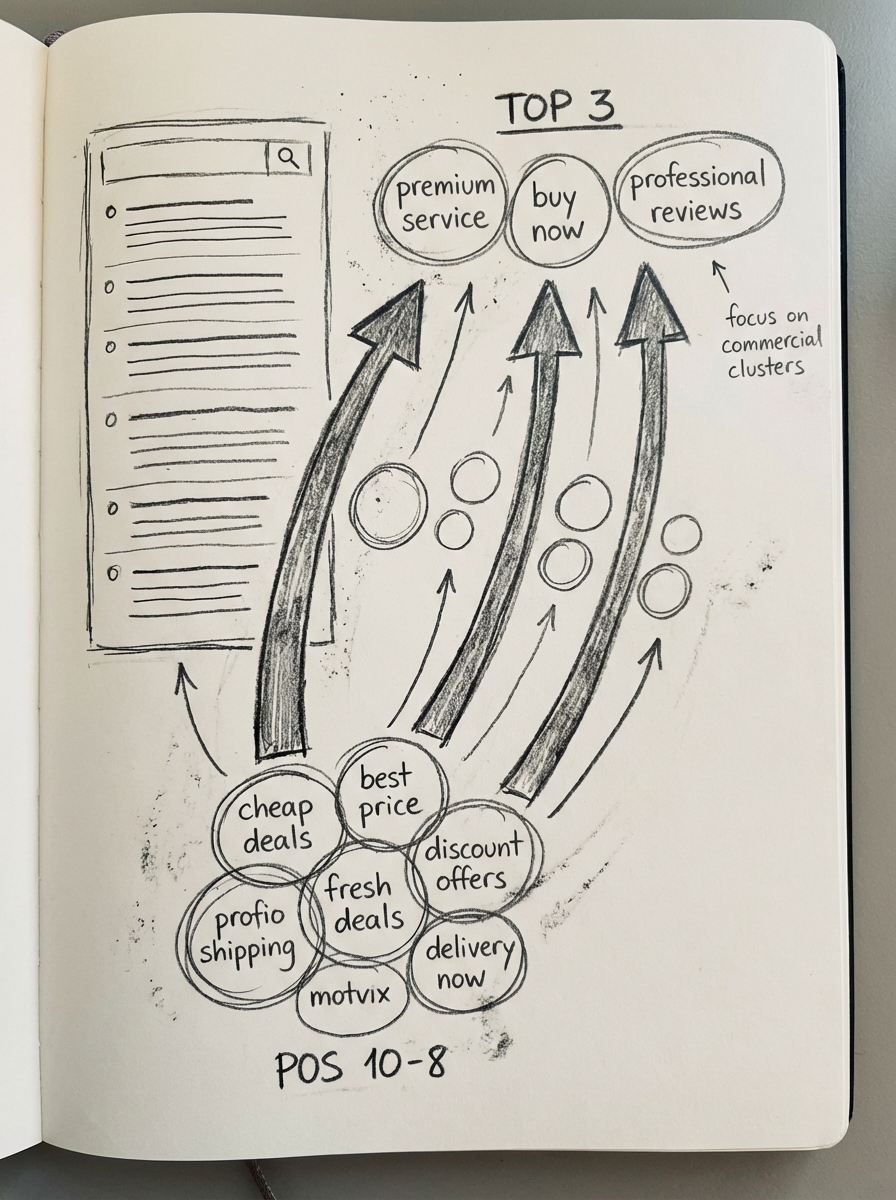
I recommend using a free SERP-based keyword clustering tool to group those stagnant terms. Once grouped, you can deploy targeted, catalog-synced blog posts to build the topical authority needed to push them into the top three positions.
Always remember that 3rd party keyword volume data is notoriously inaccurate. I have frequently seen keywords with “zero” reported volume drive thousands of dollars in revenue. Do not chase the volume metrics; chase the ranking trends of your commercial intent clusters and iterate your content like a product.
Critical features to evaluate before buying
Before you commit to a subscription, run through this checklist for your specific WooCommerce setup. Ensure the tool can handle the scale of your catalog without significant latency.
- SERP Feature Tracking: Does the tool track if you are appearing in the “Product Grid” or “Popular Products” sections?
- Competitor Benchmarking: Can you track your competitors’ category pages alongside your own to spot gaps?
- API Access: If you are building a custom ecommerce SEO dashboard, you need a tool that plays well with others via API or Looker Studio connectors.
- Cannibalization Alerts: Will the tool tell you if two of your URLs are fighting for the same keyword? This is the most common technical SEO mistake in bloated WooCommerce stores.
TL;DR
- Best for Budget: SE Ranking.
- Best for Speed and Scale: AccuRanker.
- Best for Beginners: Wincher.
- Strategic Tip: Use rank tracking to identify “stuck” keywords, then use automated content tools to build the topical authority needed to move them into the top 3. Stop wasting time writing meta descriptions and focus that energy on category name optimization instead.