


Third-party traffic estimates are never 100% accurate, but they are the only essential way to benchmark your WooCommerce store against the market. While I always rely on Google Search Console for my own “source of truth,” traffic estimators provide the directional data needed to identify which of your competitors’ categories are growing and where their strategy is vulnerable.

How website traffic estimators work
Most estimators, including the tool on this page, combine several data streams to generate an approximation of monthly visits. Since we don’t have access to a competitor’s private SEO analytics, we rely on clickstream data, search engine results pages, and machine learning models. Clickstream data involves anonymized browsing behavior from millions of users, while SERP tracking allows us to apply CTR models to estimate clicks based on ranking positions. Machine learning models then fill the gaps, adjusting for seasonal trends and “zero-click” searches where Google provides the answer directly on the results page.
I’ve often found that while the raw numbers might be off by 20–30% compared to internal GA4 data, the trends are almost always correct. If a tool shows a competitor’s traffic doubling over six months, they are doing something right – and you need to know exactly what it is. It is a common objection that these numbers are just “guesses,” but in a competitive landscape, a directionally accurate guess is significantly more valuable than operating in a data vacuum.
Interpreting the estimates for ecommerce strategy
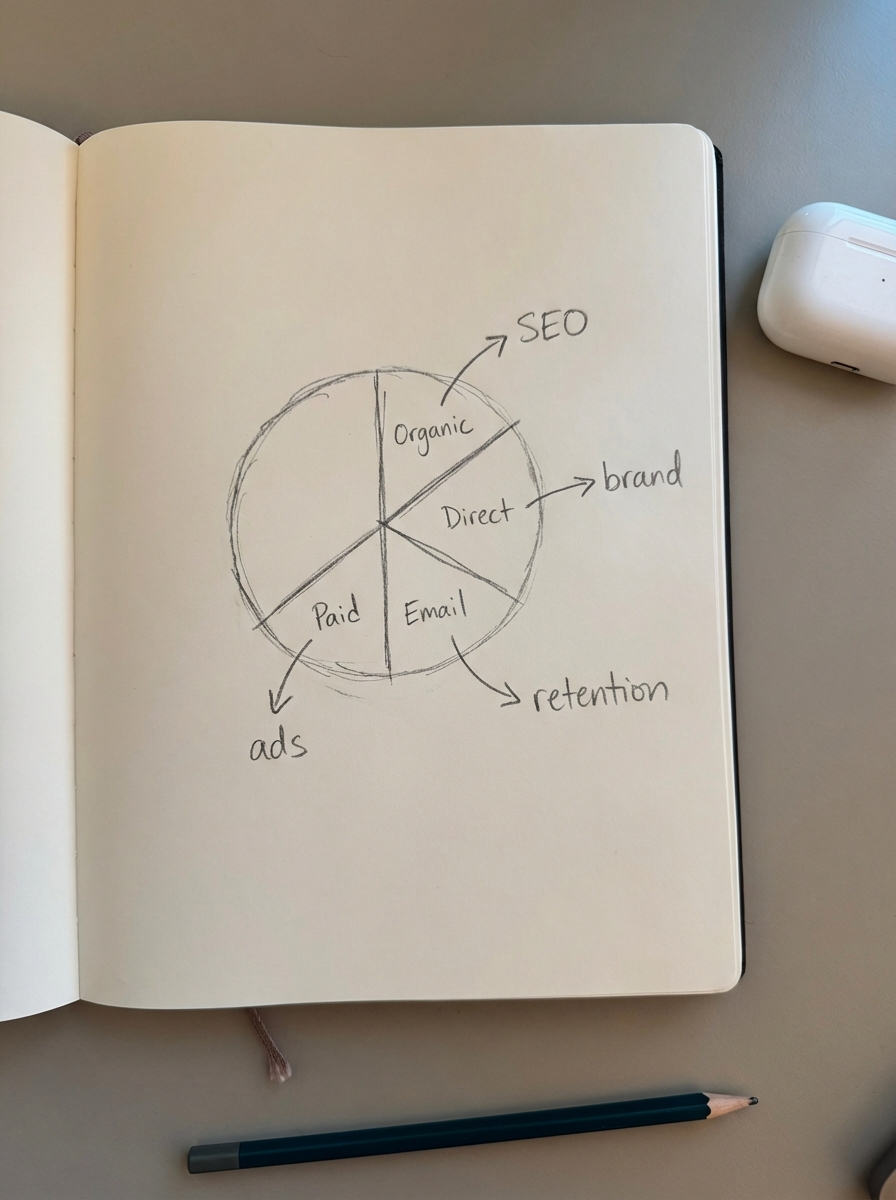
For a WooCommerce manager, raw traffic numbers are frequently vanity metrics; the real value lies in the “where” and the “how.” When you enter a URL into our estimator, you should pay close attention to the traffic source breakdown. If you see a massive spike in “Direct” traffic for a competitor, they are likely investing heavily in brand awareness or maintaining a high-retention email list. If their “Organic” traffic is dominant, they are winning on the SEO benchmarks that matter for sustainable, long-term growth.
I have long maintained that it is far more important to optimize category pages than individual product pages. When you estimate a competitor’s traffic, you should look for the specific subdirectories driving the most volume. Are they winning because of their “Men’s Leather Boots” category or because of a series of “How-to” guides on their blog? Understanding this distribution allows you to see where the market interest actually lies, rather than where you assume it should be.
Using traffic data to bridge the keyword gap
Identifying a site that is outperforming you is only the first step; the next is performing a competitor keyword gap analysis. This process reveals the specific terms they rank for that your store is missing entirely. In my experience, the biggest mistake ecommerce stores make is trying to compete solely on high-volume, generic head terms that are expensive to win and rarely convert.
Instead, you should use the traffic data to find “low-hanging fruit” – specific, long-tail queries that drive qualified traffic with lower competition. If you find a cluster of high-traffic keywords your competitor is winning, do not just write a single, isolated article. Use our free keyword clustering tool to group those terms by intent. This strategy ensures you create a single, authoritative piece of content rather than a bloated site with duplicate pages – a technical SEO trap that often plagues growing WooCommerce stores.
From estimation to execution
Traffic estimation must lead directly to a content plan to be useful. If the data shows your competitors are gaining 50,000 monthly visits from informational blog content, you have a clear roadmap for your own production. However, most stores struggle with the “doing” part, often letting great data sit unused because they lack the resources to write.

We built ContentGecko to solve this specific bottleneck. Our platform syncs directly with your WooCommerce catalog and automatically plans, writes, and updates a blog that targets the gaps discovered during your competitive research. Instead of manually chasing every traffic trend, you can automate the production of conversion-focused content that keeps your catalog top-of-mind for searchers. This moves your strategy from reactive estimation to proactive execution.
Common pitfalls in traffic analysis
- Ignoring seasonality: A 40% drop in traffic for a swimwear brand in October is not a failure; it is a cycle. I always recommend looking at year-over-year (YoY) trends rather than month-over-month to avoid making drastic decisions based on natural fluctuations.
- Trusting third-party volume blindly: Third-party databases are limited, and search volume data is often off by a long way. If you are in a narrow niche, the estimator might under-report traffic significantly. You should always cross-reference these estimates with your own SEO KPIs to ground the data in reality.
- Overlooking traffic quality: 10,000 visitors to a “What is leather?” blog post are often worth much less than 1,000 visitors to a “Best leather boots for hiking” buyer’s guide. Always tie your competitive analysis back to conversion data to ensure you are chasing revenue, not just clicks.
TL;DR
Traffic estimators are directional tools for benchmarking and competitor analysis. Use them to identify which of your competitors’ categories are winning, then use ContentGecko’s dashboard to track how your own store compares. Do not chase raw volume; find the keyword gaps that lead to actual WooCommerce sales and iterate your content strategy based on what the data reveals.