
January 20, 2026
SEO audit report tool for WooCommerce stores

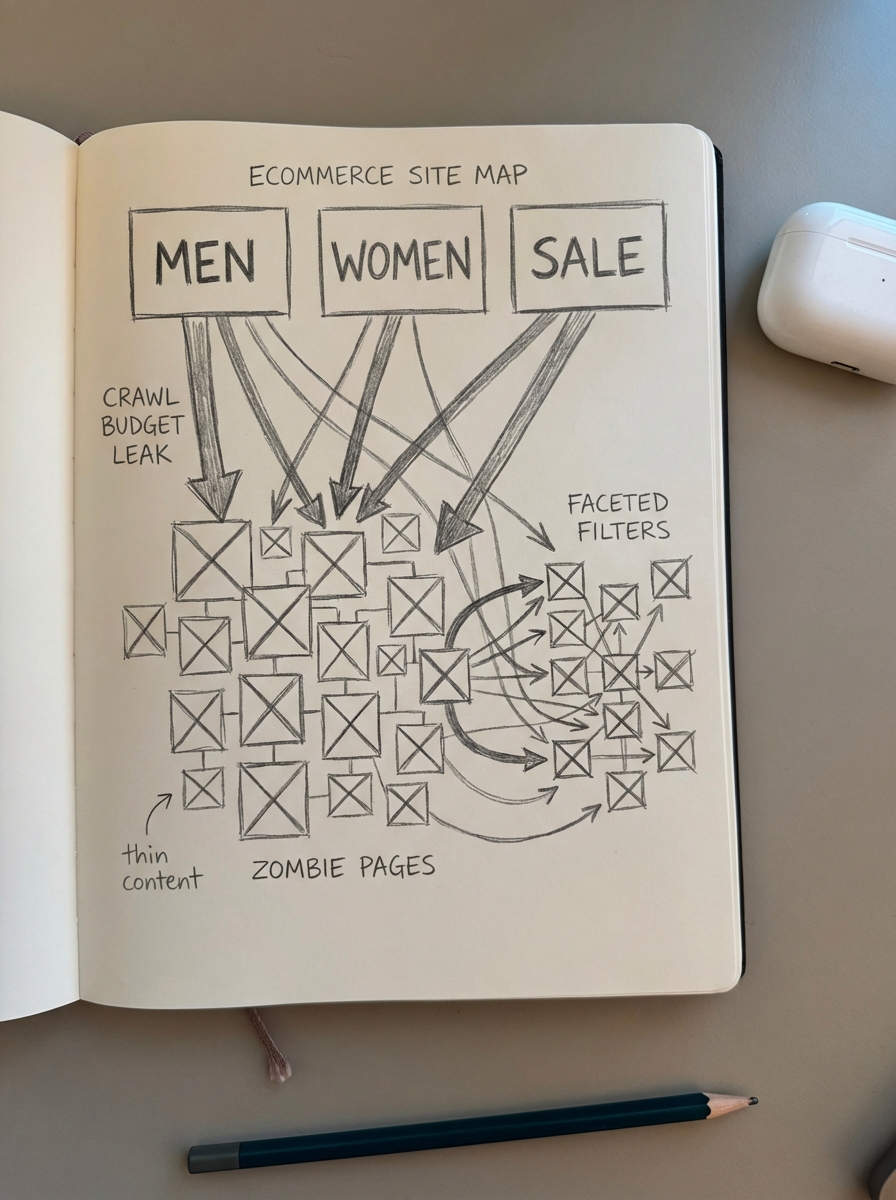
Most SEO audit tools fail WooCommerce stores because they treat product catalogs like standard blog posts. A generic “health check” might catch a missing meta description – which Google will likely rewrite anyway – but it won’t tell you if your faceted navigation is eating 70% of your crawl budget or if your out-of-stock products are creating “zombie pages” that dilute your topical authority. To rank a store with 500 or 50,000 SKUs, you need a diagnostic tool that understands the relationship between your category hierarchy, your product data, and your actual organic revenue.
Run your instant WooCommerce SEO audit
Input your URL below to receive a shareable report covering technical health, on-page optimization, and Core Web Vitals specifically for ecommerce.
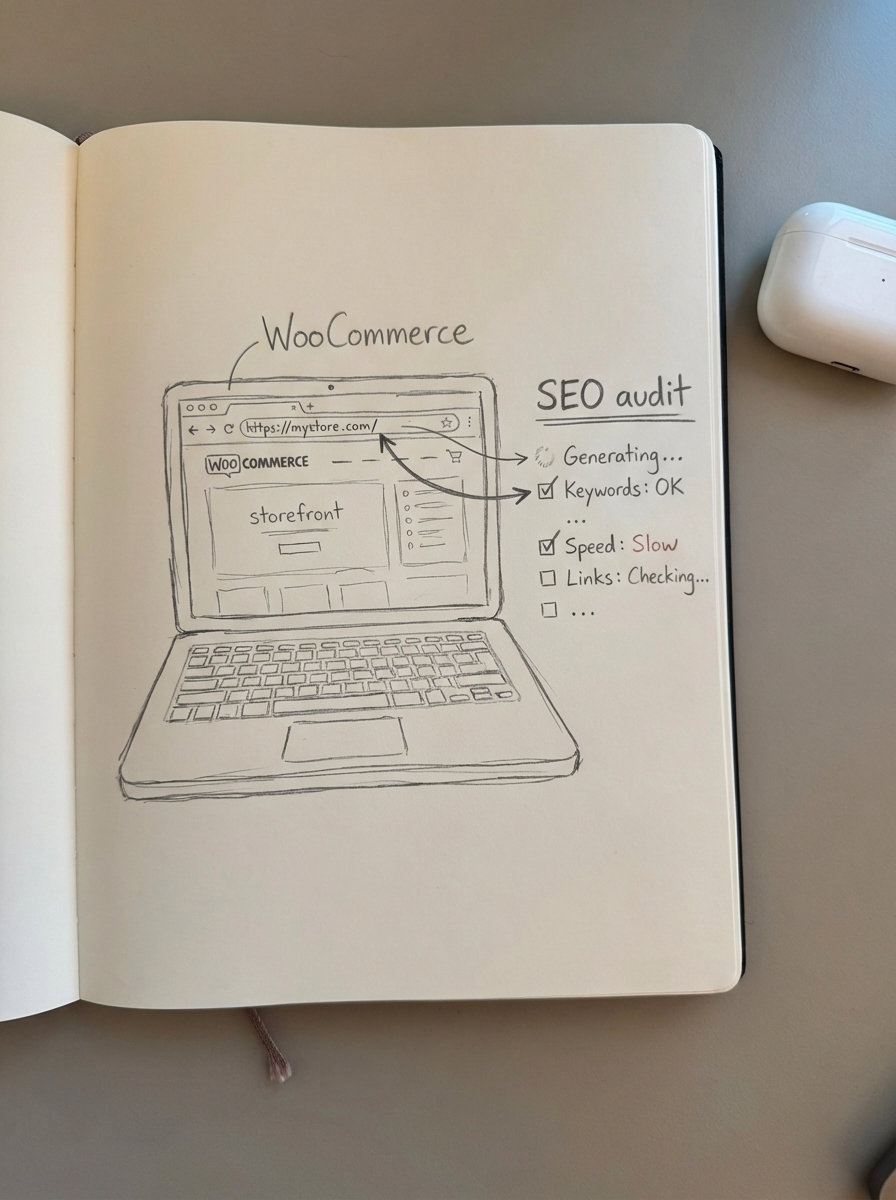
[ Interactive Tool Placeholder: Enter Store URL ]
Why your WooCommerce SEO report looks different
When I run a technical SEO checklist, I don’t just look for broken links or missing tags. For WooCommerce, the biggest performance killers are usually architectural. I have found that most ecommerce leads obsess over individual product descriptions, but your category pages are your true “money pages.” They target broader, higher-volume keywords and provide the internal linking structure search engines use to understand your catalog.
The category page priority
In my experience, it is way more important to optimize category pages than individual product pages. If your audit shows low visibility for your main categories, the fix is rarely “more keywords.” It is usually that your category names are not specific enough. I often see stores using vague terms like “Accessories” when they should be targeting “Leather Camera Accessories.” You can use our free ecommerce category optimizer to identify these low-hanging fruit opportunities and generate more specific, buyer-friendly titles that improve search engine rankings.
Fighting the bloated store
The most common technical SEO mistake I see is a bloated website filled with duplicate or thin-content pages. This often happens due to unoptimized faceted navigation filters creating thousands of indexable URLs, or product variations where every color and size gets its own URL without proper canonicalization.
An effective audit identifies these “zombie pages” – outdated products that no longer have stock or search demand. Consolidating these signals into your high-performing pages is a critical step in any complete SEO audit list. In fact, I have seen stores remove 30% of low-quality pages and achieve a 28% increase in organic traffic because it allowed Google to focus crawl budget on pages that actually convert.
Measuring Core Web Vitals for ecommerce
Speed is revenue, and Google’s research indicates that sites meeting WooCommerce Core Web Vitals thresholds see significantly fewer bounces. When your audit report analyzes performance, it focuses on the metrics that directly impact a shopper’s ability to browse and buy.
- Largest Contentful Paint (LCP): This is usually delayed by unoptimized product images. We aim for a threshold of 2.5 seconds or less to maintain high conversion rates.
- Interaction to Next Paint (INP): This is often dragged down by heavy third-party scripts, such as chatbots or tracking pixels, which can make a store feel sluggish.
- Cumulative Layout Shift (CLS): This is frequently caused by dynamic elements like “Related Products” widgets loading without reserved space, which frustrates users and can lead to accidental clicks.
If your report shows a red “Fail” for these metrics, your first step should be image compression and implementing a proper WooCommerce SEO reporting stack to monitor these metrics weekly. One-off audits are a start, but ongoing performance monitoring is what prevents traffic decay.
Connecting search health to SKU performance
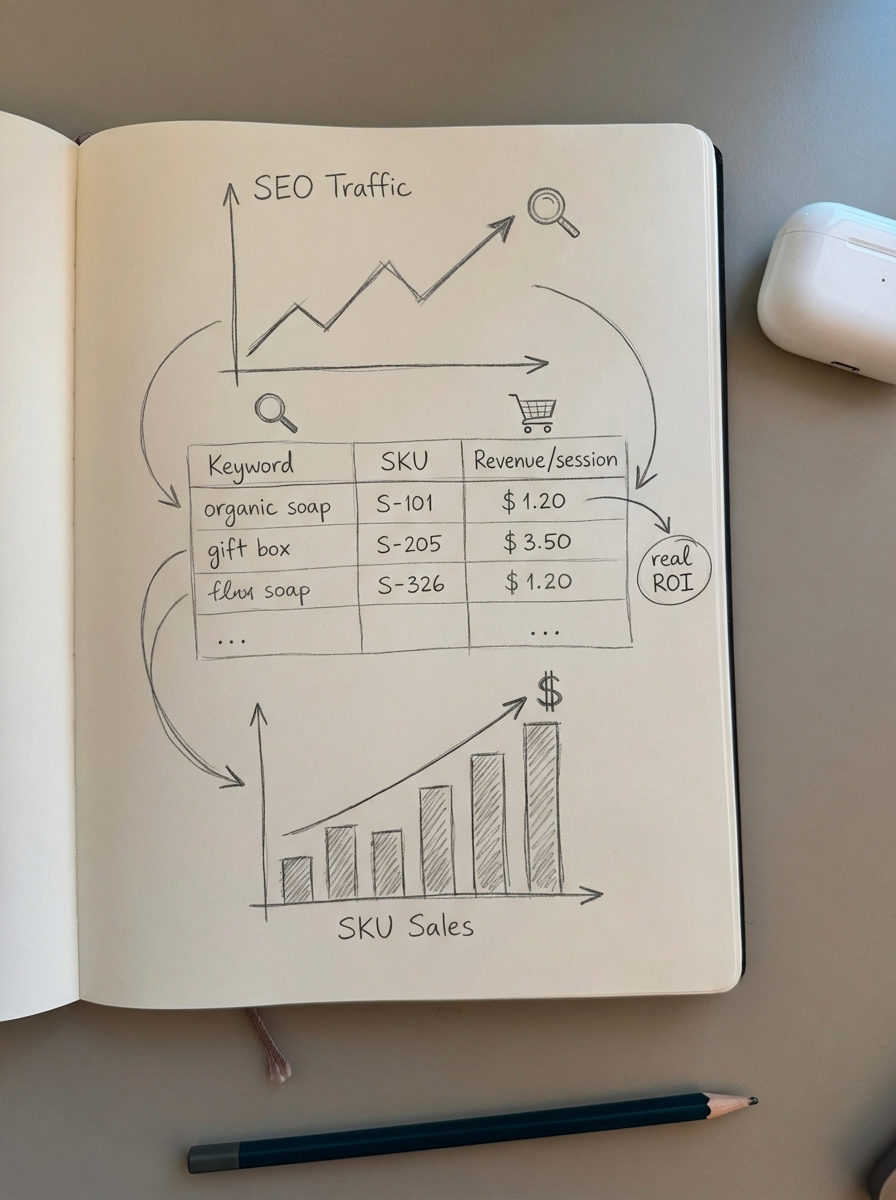
A high SEO score is useless if it does not correlate with sales. Traditional SEO reporting tools show you rankings and impressions, but they often miss the SKU-level data necessary to make informed inventory decisions. You need to know which organic terms are driving revenue per session, not just which ones have the highest volume.
The goal of your audit should be to identify where the “Potential Additional Clicks” are. Our ecommerce SEO dashboard takes your audit findings and layers them over your Google Search Console data. This allows you to see exactly which categories or SKUs are underperforming relative to their search volume, giving you a clear roadmap for where to invest your optimization time.
Turning your audit into a growth engine
Once you have cleared the technical debt revealed by your audit, the remaining opportunity is almost always in producing a great blog. Most merchants stop after optimizing their products and hit a traffic ceiling within 12 months. We solve this by building a fully automated, WordPress connector plugin that bridges your WooCommerce catalog with a scaling content strategy.
- Automated Planning: We identify informational keywords, such as buyer’s guides and how-to articles, that your competitors are likely ignoring.
- Live Catalog Sync: Our platform writes content that pulls in your real-time prices, images, and stock status directly from your store.
- Auto-Updates: If a product in a blog post goes out of stock, ContentGecko automatically replaces it with an in-stock alternative to ensure your content never stops converting.
You can start by using our free AI SEO content writer to see how intent-focused content can supplement your category rankings. Whether you are managing a small store or an enterprise catalog, ContentGecko pricing is designed to scale with your product count and revenue goals.
TL;DR
- Run a full technical audit every 3–6 months to catch crawl budget leaks and eliminate zombie pages that dilute your authority.
- Focus on category page specificity and Core Web Vitals (LCP and CLS) before obsessing over individual product meta descriptions.
- Link your SEO analytics to SKU-level revenue using an ecommerce SEO dashboard to see the real ROI of your optimizations.
- Adopt automation to bridge the gap between technical health and a scaling content strategy that drives organic sales.