
January 20, 2026
Blog content calendar template and example

A blog content calendar is the only way to scale a WooCommerce blog from a hobby into a predictable revenue-generating channel. Without a documented plan, most ecommerce teams end up guessing which topics move product, leading to a graveyard of “thought leadership” posts that never actually rank or convert.
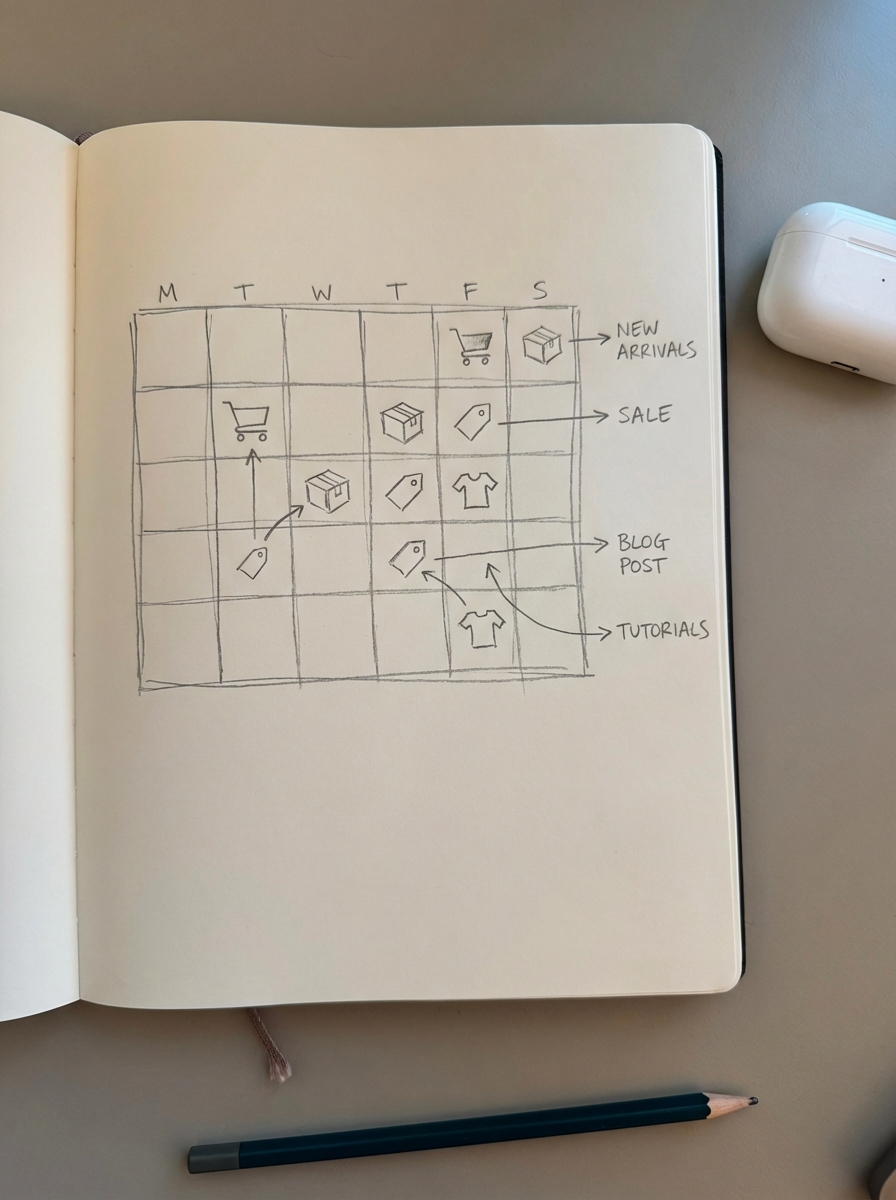
Why ecommerce stores need more than a simple spreadsheet
Generic content calendars often fail ecommerce teams because they operate in a vacuum, ignoring the actual product catalog. A standard editorial calendar might tell you when to post, but a high-performing ecommerce calendar dictates which SKUs or categories that specific post is designed to sell. If your blog isn’t intentionally driving traffic to your high-margin categories, you are wasting crawl budget on content that doesn’t impact the bottom line.
For a WooCommerce store, your calendar must be synchronized with your inventory cycles. There is no sense in promoting a comprehensive buyer’s guide for a product category that is currently 80% out of stock. Furthermore, you have to account for seasonal lead times. Planning a “Best Winter Boots” guide in December is a tactical error; it needs to be on your calendar for September to allow Google enough time for indexation and ranking before the peak buying window.
Strategic planning also ensures you are building WooCommerce topic clusters rather than isolated posts. By mapping out a series of spoke articles that link back to a central category pillar, you distribute authority across your site and improve the search visibility of your most important transactional pages.
Essential fields for your ecommerce content calendar
To move beyond a basic “Title” and “Date” structure, I include specific metadata that helps track ROI and operational health. If you are using an ecommerce SEO dashboard to monitor your performance, these fields allow you to correlate your content output directly with SKU performance and category growth.

We prioritize the Primary Keyword and Cluster for every entry. Identifying the main search term and grouping keywords into semantically related sets prevents you from writing multiple articles that compete for the same intent. Every entry also requires a Target URL or Product Category. In my view, if a post doesn’t point to a specific transactional destination, it probably shouldn’t be on the schedule.
I also track search intent and publishing status to manage the pipeline effectively. We classify content by funnel stage – separating awareness-driven guides from bottom-of-funnel buying comparisons. Before any post moves to the “Published” column, it must go through a content quality assurance process and a manual stock check to verify that the featured products are actually available for purchase.
How to build your content roadmap
I recommend planning your content in 90-day sprints. This duration is long enough for SEO results to begin manifesting but agile enough to pivot if your catalog or market trends shift. To build this roadmap, I follow a systematic content production workflow that focuses on data over intuition:
- Extract your top categories by revenue and identify those with the highest growth potential.
- Conduct intent-based research using keyword research for blog posts to surface the specific questions your customers ask before they commit to a purchase.
- Map these topics to different stages of the funnel, ensuring you have a healthy mix of how-to guides for awareness and direct product comparisons for conversion.
- Identify potential content production bottlenecks, such as lengthy approval cycles or manual keyword mapping, that might slow down your publishing velocity.
If your team is spending more than two hours a week in planning meetings, your process is likely too manual. The goal is to spend less time talking about content and more time publishing it.
Blog content calendar templates
You do not necessarily need expensive content collaboration software to get started. A well-structured Google Sheet or Excel file is often more effective for growing stores because it is infinitely customizable to your specific store architecture.
For most teams, a Google Sheets template is the best choice because it allows for real-time updates and collaboration. I suggest organizing your sheet with separate tabs for your active pipeline, a published archive, and a backlog of raw keyword ideas. By using data validation for columns like “Status” and “Category,” you keep your data clean and easy to filter. You can access our standardized Google Sheets template to jumpstart this process without building from scratch.
If you are managing a massive catalog with 10,000+ SKUs, an Excel template might serve you better due to its power query features. You can use lookups to pull current stock levels or sales data directly from a WooCommerce export into your calendar. This allows you to prioritize content for products that actually have the inventory to support a surge in traffic.
Concrete ecommerce content examples
Visualizing how these fields work together is easier with concrete examples. Consider a fictional home office furniture store. Their calendar shouldn’t just list “office chairs”; it should show a clear progression from broad informational queries to high-intent transactional comparisons.
| Publish Date | Post Title | Primary Keyword | Product Category | Search Intent |
|---|---|---|---|---|
| Oct 12 | How to Choose the Right Desk Height | desk height guide | /standing-desks/ | Informational |
| Oct 19 | 7 Best Ergonomic Chairs for Lower Back Pain | best ergonomic chairs | /office-chairs/ | Commercial |
| Oct 26 | Steelcase Gesture vs. Herman Miller Aeron | Steelcase vs Herman Miller | /ergonomic-chairs/ | Transactional |
This sequence captures users at different stages of their journey. A user searching for desk height might not buy today, but by providing value early, you earn the right to sell to them later. This approach mirrors the internal logic of how to group keywords by intent to maximize conversion paths.
Automating the process with ContentGecko
The reality for many WooCommerce merchants is that maintaining a manual calendar eventually becomes a bottleneck. Between grouping keywords, monitoring stock levels, and managing writers, the consistency required for SEO success often breaks down. We’ve seen that brands publishing 16+ monthly posts see significantly more traffic, but reaching that volume manually is a massive resource drain.
ContentGecko solves this by syncing directly with your WooCommerce catalog. Instead of a static spreadsheet, our platform creates a dynamic plan based on your actual inventory and categories. By utilizing our WordPress connector plugin, the system identifies gaps in your current coverage and uses a catalog-aware AI writer to produce articles that are technically accurate and contextually relevant.
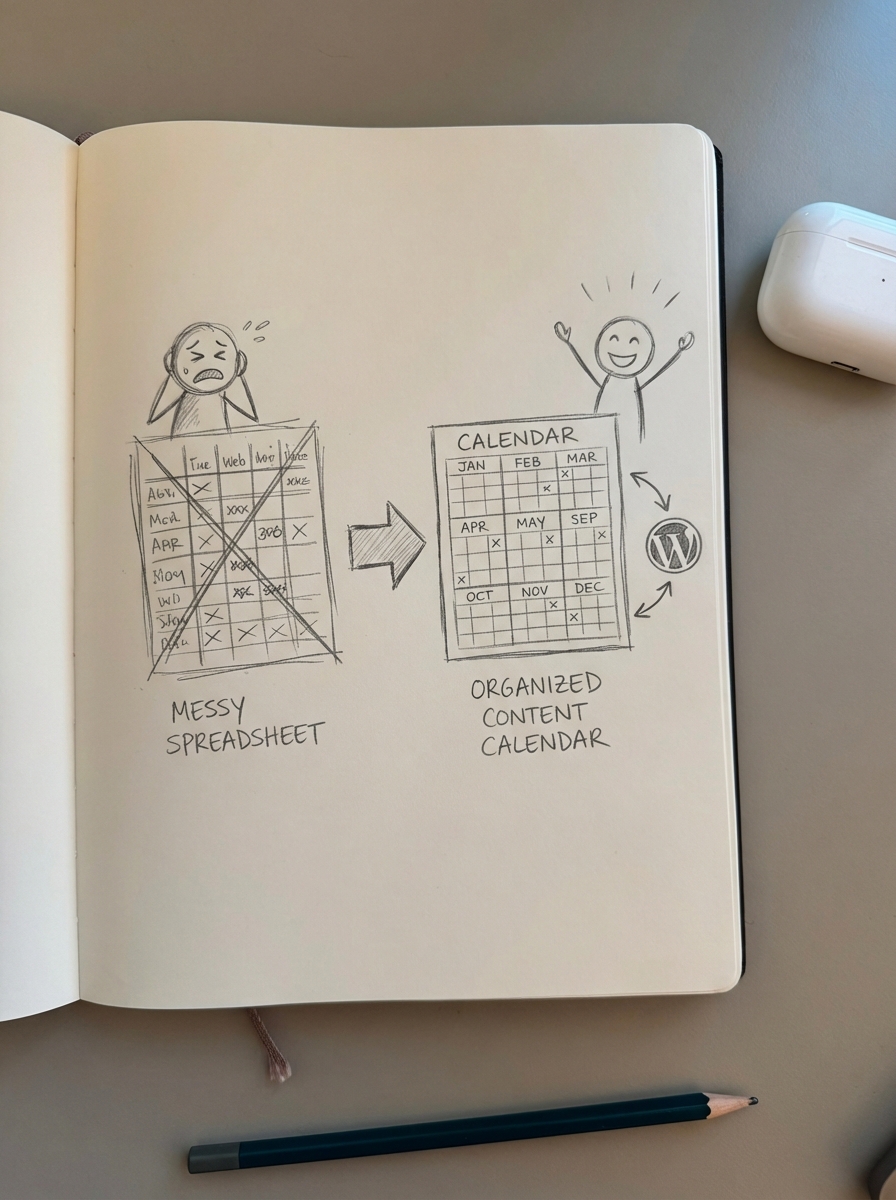
This automation moves your role from spreadsheet manager to strategic editor. You no longer have to worry about whether a featured product is in stock or if the internal links are pointing to the right category; the system handles the technical execution while you focus on brand direction.
TL;DR
A blog content calendar for ecommerce must be synchronized with your product catalog and driven by search intent. Focus on maintaining a consistent publishing cadence and ensure every post includes a clear internal link to a product or category page. While you can start with a Google Sheets template for simple coordination, automating the lifecycle with ContentGecko ensures your blog remains active and relevant even as your inventory changes.