
January 20, 2026
Content calendar template for Google Sheets and Excel

A functional content calendar is the difference between a high-growth WooCommerce store and a site that publishes only when the owner feels inspired. For most ecommerce teams, a highly customized spreadsheet remains the most effective way to coordinate SEO, social media, and seasonal promotions without the bloat of enterprise project management software.
Most marketing teams spend more time managing their planning tools than actually publishing content. If your editorial calendar is a graveyard of “in progress” tags and half-baked ideas, you do not need a more expensive SaaS subscription; you need a better system. I’ve built dozens of content operations for WooCommerce stores, and I always return to a clean, functional spreadsheet because it provides the visibility required to align your blog and social strategy without the overhead of complex software.

Download the Google Sheets Content Calendar Template (Go to File > Make a copy)
Download the Excel Content Calendar Template (.xlsx)
Why we still use spreadsheets for content planning
Even with the rise of specialized content calendar tools, Google Sheets remains the gold standard for many ecommerce teams. It is infinitely customizable, free, and allows for real-time collaboration without adding another seat to your monthly software bill. While some argue that spreadsheets lack advanced features, the reality is that they function as excellent cloud content collaboration software for teams that need a single source of truth.
In my experience, the biggest bottleneck in content production isn’t the tool – it’s the lack of a defined content production workflow. A spreadsheet forces you to define your columns, statuses, and ownership clearly. Evidence from teams using CoSchedule suggests that improving coordination can reduce production time by 30%, but if you cannot make the process work in a sheet, a $100/month tool won’t save you.
How to use this template for your WooCommerce store
This template is divided into three primary views: the Annual Strategy, the Editorial Pipeline, and the Social/Promo Tracker. Each view serves a specific purpose in moving a piece of content from an idea to a live, traffic-driving asset.
The annual strategy tab
Ecommerce lives and dies by seasonality. I use this tab to map out high-level themes for the year, focusing on major events like Black Friday Cyber Monday (BFCM), Mother’s Day, or specific product launch windows. This high-level view allows you to assign a “Marketing Theme” to each month, such as “Summer Essentials” or “Holiday Gift Guides,” and identify priority products directly from your WooCommerce catalog. By assigning a revenue goal to every month or campaign, you ensure that every piece of content has a job to do.
The editorial pipeline
This is the “engine room” of your content strategy where every row represents a specific article. To maximize your search impact, you should use content ideation techniques for SEO to map keywords to specific calendar entries during the planning phase. We recommend organizing these entries by their SERP-based keyword clustering to ensure you are targeting search intent accurately.

Your editorial pipeline should track the target keyword, search intent (Informational, Commercial, or Transactional), and the assigned author. Most importantly, it must include a clear quality assurance process status. Tracking whether a post is in “Draft,” “QA Review,” or “Scheduled” prevents the version control issues that often plague remote marketing teams.
The social and promo tracker
Do not let your blog posts sit in isolation. Every article should be part of a broader content repurposing strategy. Use this tab to schedule the distribution of your assets across Instagram, TikTok, and your email newsletter. For example, a single in-depth guide can be transformed into a series of LinkedIn posts or a TikTok tutorial, maximizing the ROI of the original production hours.
Optimizing your publishing frequency
A common question from WooCommerce merchants is how often they should actually post to see results. The answer depends heavily on your store’s maturity and current authority. We have seen that new stores typically benefit from a higher SEO publishing frequency, often aiming for 6-8 posts per month to build topical authority. Established stores can often sustain their rankings by scaling back to 2-4 high-quality, in-depth guides that focus heavily on product conversions.
If your team is consistently missing dates on the calendar, you are likely hitting content production bottlenecks. This usually occurs when the manual effort of keyword research, writing, and formatting in WordPress becomes too high for your current headcount. In these cases, the spreadsheet reveals the problem: a growing list of “Planned” topics with no “Published” dates to match.
Automating the execution
A content calendar is a plan, not a result. The hardest part of ecommerce marketing isn’t filling out a spreadsheet; it’s the 10-20 hours of research and writing required for every single row in that sheet. We believe that if you can automate the execution of these tasks, you can transform content from a cost center into a growth engine.
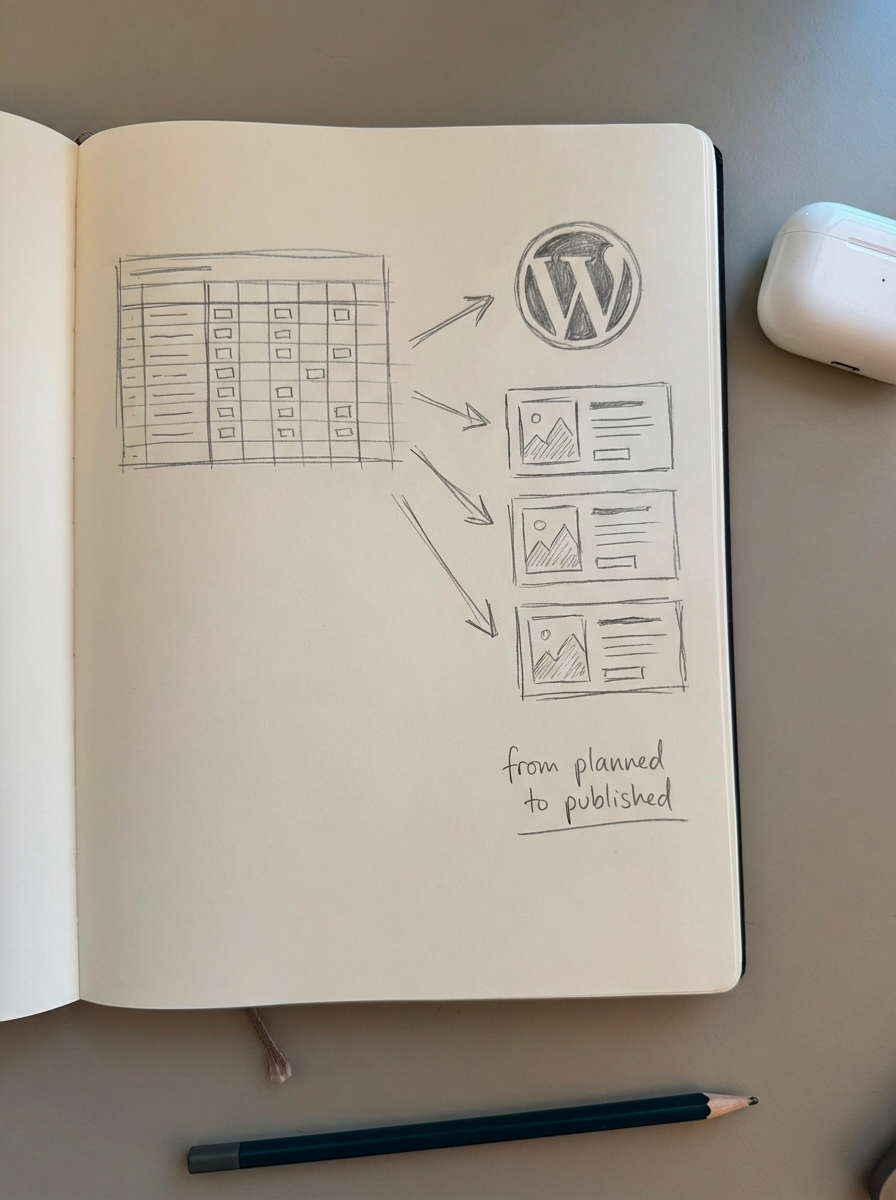
At ContentGecko, we help WooCommerce stores bridge the gap between “planned” and “published.” Our platform integrates directly with your store via our WordPress connector plugin, which allows for automated blog post creation that is fully catalog-aware. This means your content stays updated even when your stock or prices change. If you are struggling to start, you can use our free AI SEO content writer to generate your first few drafts based on the keywords in your new template. By scaling your production with automation, you can maintain a consistent cadence without the manual overhead.
TL;DR
A content calendar is essential for maintaining a consistent publishing cadence and aligning your team around seasonal ecommerce goals. Use this spreadsheet template to map your SEO keywords to specific dates, track your production status through a structured QA process, and coordinate social promotions. If manual execution is stalling your growth, consider using automation to keep your calendar full and your catalog-synced content up to date.