
January 20, 2026
On-page SEO process for ecommerce category and content pages

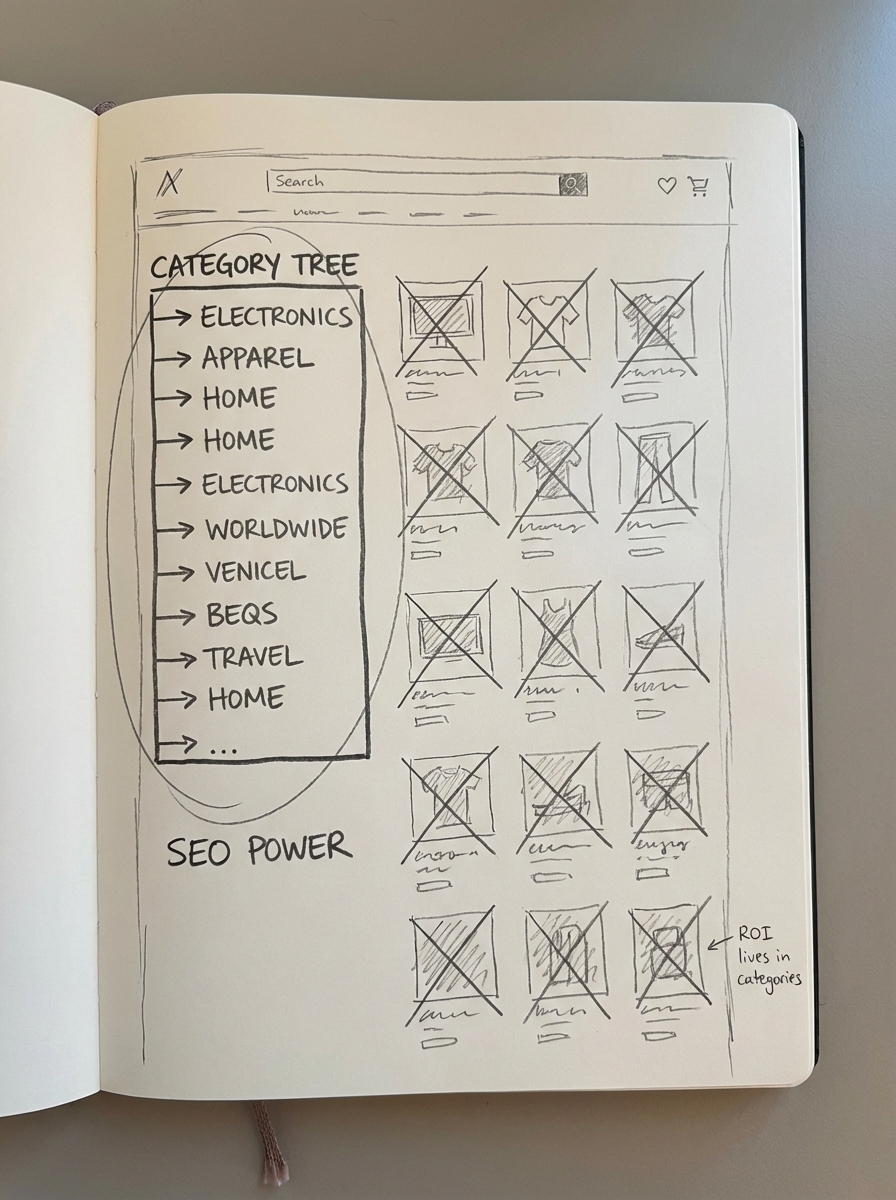
Optimizing category pages yields a significantly higher ROI for WooCommerce stores than focusing on individual product pages because categories capture broader, high-volume search intent. Most ecommerce managers waste valuable time tweaking SKUs that have a short shelf life, while the real ranking power lies in building specific, content-rich category hierarchies and a catalog-aware blog.
Map keyword clusters to page intent
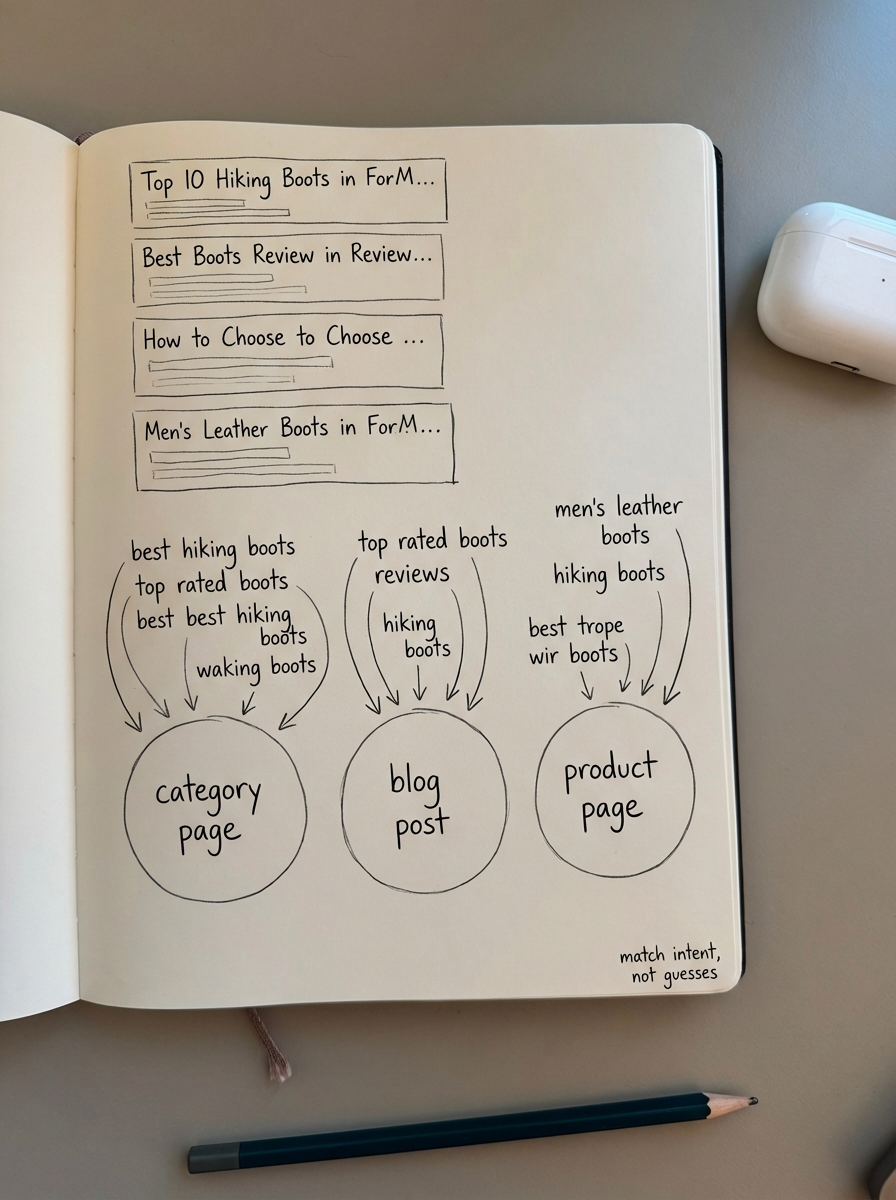
Before you change a single title tag, you must understand if a keyword belongs on a category page, a blog post, or a product page. I have seen countless stores struggle because they try to rank a product page for a broad term that Google clearly wants to satisfy with a category listing or an informational guide. Very often, teams produce thought-leadership content thinking it will work for SEO, but it fails because it does not align with the specific intent Google identifies for that cluster.
The most effective way to solve this is through SERP-based keyword clustering. By analyzing which URLs Google already ranks for a set of terms, you can group keywords that share the same intent. If five different keywords show the same category pages in the top 10 results, those keywords belong in one cluster and should be targeted by a single category page. You can use our free keyword clustering tool to automate this process, reducing what used to be 20 hours of manual spreadsheet work into a single hour.
Optimize category names and titles
Specific category names are almost always better than generic ones. If your category is just called “Shoes,” you are competing with massive retailers like Amazon and Zappos, which is a losing battle for most growing stores. If you rename that category to “Men’s Waterproof Trail Running Shoes,” you immediately align with specific buyer intent and improve your chances of ranking.
Our free ecommerce category optimizer helps identify these low-hanging fruit opportunities by analyzing your current structure. When implementing these changes, I recommend following a few strict rules for your title tags. Always use sentence case, as it looks more modern and less like the “spammy” SEO titles of a decade ago. Front-load your primary keyword to the start of the title and keep it short. Avoid fluff like “best” or “cheap” unless your cluster data explicitly shows that users are searching for those terms.
Move beyond simple product listings
Google and LLM-based search engines now prioritize semantic relevance and comprehensive topic coverage. A category page that is just a grid of products provides very little unique value and often receives a low “OriginalContentScore” from Google’s algorithms. To rank in the current landscape, your category pages must function as mini-buying guides that offer actual utility to the shopper.
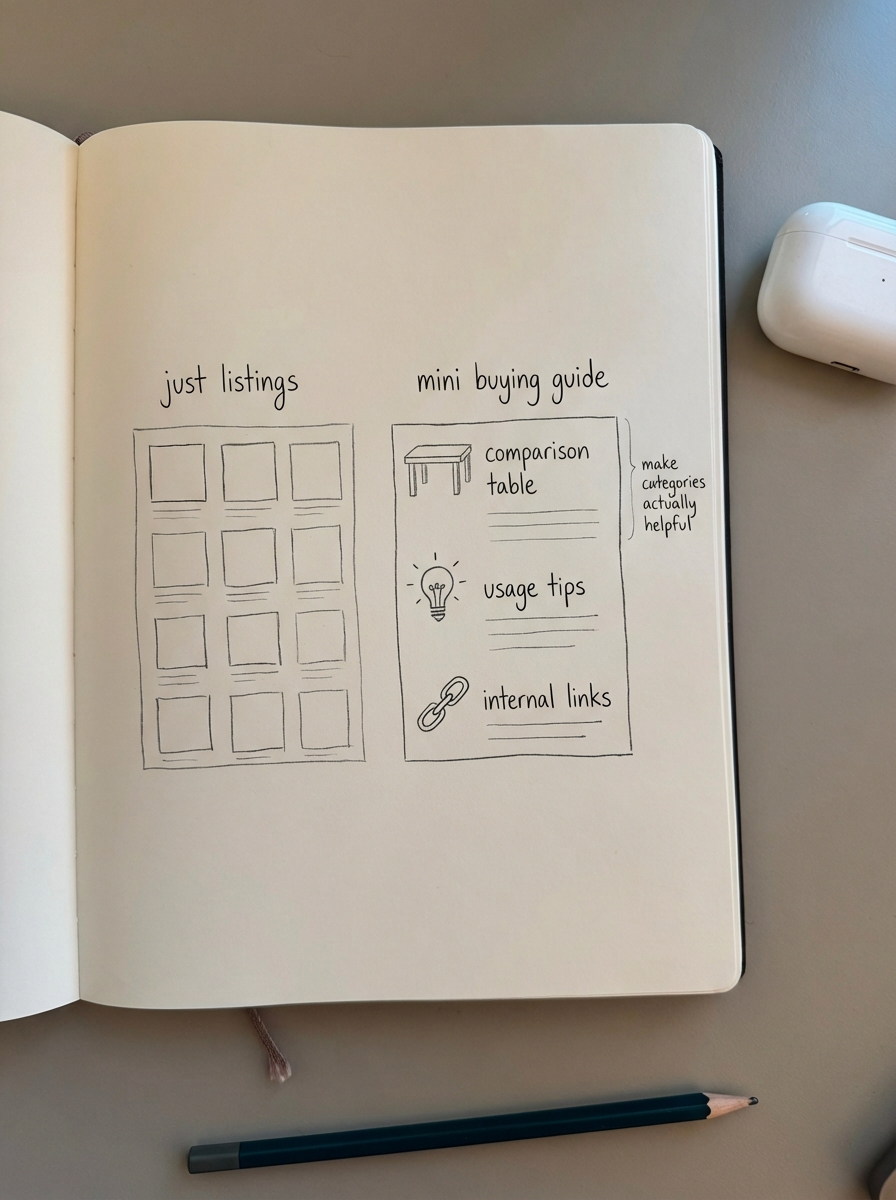
I recommend adding usage scenarios that explain exactly who the products are for, comparison matrices to help users choose between different brands, and direct internal links to blog posts that explain how to maintain or use the products in that category. If you have thousands of categories, writing this manually is an impossible task. This is why we developed the ContentGecko AI SEO content writer, which researches current facts and produces comprehensive content that serves the user rather than just filling space for a crawler.
Streamline technical SEO elements
The most common technical mistake in WooCommerce is site bloat caused by duplicate pages or improper indexation of filters. While faceted navigation is excellent for user experience, it can create millions of junk URLs that waste your crawl budget. You must manage these elements with a clean WooCommerce URL structure, preferably using a shop base with category (e.g., example.com/shop/clothing/blue-t-shirt/) to provide the most context to search engines.
- Use canonical tags to point duplicate or filtered views back to the primary category to consolidate ranking signals.
- Never canonicalize page 2 of a category back to page 1; I have seen clients lose 40% of their indexed product pages from this single error.
- Use self-referencing canonicals for paginated pages as detailed in our WooCommerce pagination SEO guide.
- Stop wasting resources on manual meta descriptions. By 2026, Google will likely rewrite them over 70% of the time anyway, so that time is better spent on H1s and internal linking.
Build a catalog-aware internal link structure
Internal links are the highways of your site, distributing PageRank and helping Google discover new products. In my experience, a well-optimized internal linking strategy can increase product visibility by 27% on average. This starts with a logical hierarchy, which is why WooCommerce breadcrumbs SEO is so critical; it provides a clear navigational path for both users and bots.
Beyond standard navigation, you should link from your blog posts directly to relevant categories and products. ContentGecko automates this by syncing with your catalog via our connector plugin. This ensures your internal links are always relevant and, crucially, only point to products that are currently in stock or on backorder, preventing you from sending users to dead ends.
Implement structured data for rich results
Capture “position zero” or star ratings in search results by implementing structured schema markup. For ecommerce, this is non-negotiable. Your priorities should be Product schema for price and availability, BreadcrumbList schema to clarify hierarchy, and FAQ schema to answer common buyer questions directly on the category page.
You can validate your setup using Google’s Rich Results Test. One common point of failure I see is ensuring that images have proper absolute URLs within the schema markup. If your image URLs are relative or broken, your rich snippets will likely fail to appear. You can find technical specifics on how to handle these assets in our WooCommerce image SEO guide.
TL;DR
On-page SEO for ecommerce is about structure and intent. Prioritize your category pages over individual product pages, use specific category names to capture long-tail intent, and transform your archive pages into helpful buying guides. You must address technical bloat through proper internal linking and canonicalization to maintain crawl efficiency. Once the foundations are set, the remaining growth opportunity lies in producing high-quality blog content that supports your product catalog.